
You can still use antivirus for Vista, but choices are few and risky.
If you still run Windows Vista, you need extra care. I have managed many old PCs in labs and small offices. I know what works, what breaks, and what is safe to skip. This guide gives a clear plan for antivirus for Vista, plus steps that reduce risk when support is gone. Stay with me and I will help you protect your system and your data.
Is antivirus for Vista still viable today?
Vista left mainstream support years ago. That means no security patches from Microsoft. Attackers target old systems because gaps stay open. Even the best antivirus for Vista cannot fix the core system.
Many vendors ended support after 2017. Some legacy versions still run, but they do not get new features. You may still get virus definition updates, but it is never a sure thing. Treat any antivirus for Vista as a last line, not your only shield.
What does that mean in practice? Keep Vista off the open internet if you can. Use it for offline tasks or hardware that needs it. If you must go online, lock it down hard. A legacy antivirus for Vista helps, but the real win is reducing attack paths.
Best available options for antivirus for Vista
Honest note first. The list below includes tools that still run on Vista. Some are legacy builds. Some have limits. Always download from the official vendor and verify checksums.
ClamWin Free Antivirus
ClamWin runs on Vista and is free. It uses on-demand scans and scheduled scans. It does not have real-time protection. Pair it with other controls and safe habits.
Tips:
- Set a daily quick scan and a weekly full scan.
- Enable email alerts if a scan finds malware.
- Keep virus databases updated before each scan.
Avast or AVG Legacy (18.8)
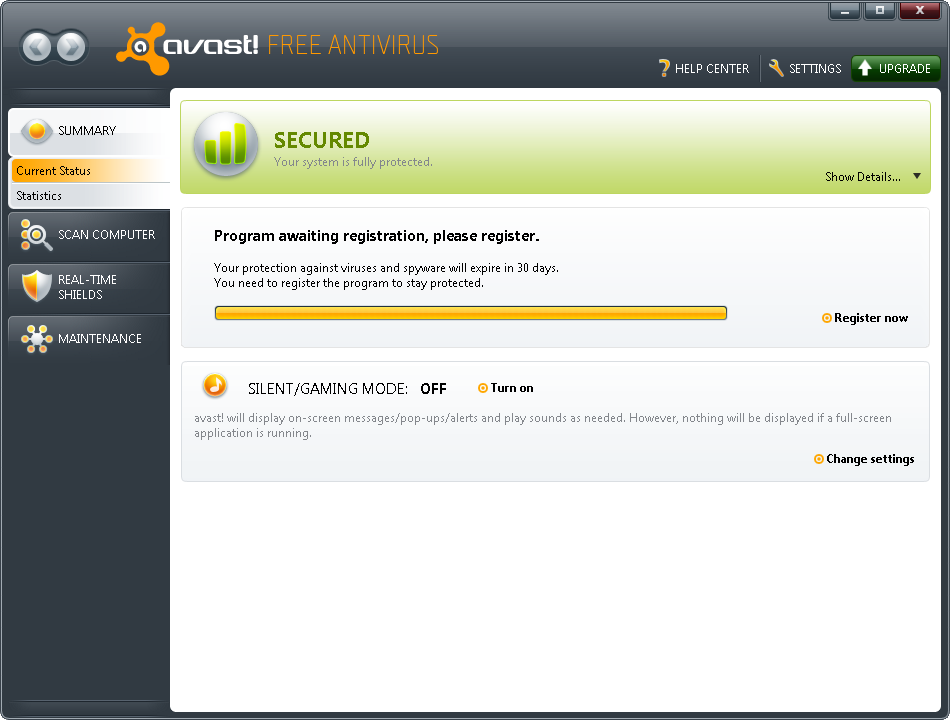
Older Avast and AVG versions (like 18.8) can run on Vista. They may still receive definition updates, but the app itself is frozen. Features are limited, and web shields may not work well with old TLS.
Tips:
- Use the offline installer from the vendor’s legacy downloads page.
- Disable any browser add-ons you do not need.
- Run on-demand full scans after each update.
Malwarebytes 3.5.1 for Vista
Malwarebytes 3.5.1 was the last line that worked on Vista SP2. It is good at catching adware and PUPs. Treat it as a second opinion scanner.
Tips:
- Run manual scans weekly.
- Update the database before every scan.
- Do not rely on real-time features; they may be limited.
Spybot Search & Destroy 2.x
Spybot still supports older Windows in many cases. It is not a full antivirus for Vista, but it adds immunization and extra checks. This helps reduce risky scripts and trackers.
Tips:
- Use the immunization feature after install.
- Update signatures often.
- Run on-demand scans monthly.
What I use together for old lab PCs:
- ClamWin as a base on-demand antivirus for Vista.
- Malwarebytes for second opinion scans.
- Spybot immunization to cut drive-by risks.
Hardening Windows Vista beyond antivirus
Defense in depth matters more than any single tool. Think of it like layers of doors, locks, and alarms.
Network isolation:
- Keep Vista off the public internet when possible.
- Put it behind a router with a strong firewall.
- Use a separate VLAN or guest network with no inbound access.
Account control:
- Use a Standard user for daily tasks.
- Keep UAC on.
- Set strong, unique passwords.
- Remove old Java, Flash, and toolbars.
- Use only trusted apps needed for your work.
- Block auto-run on USB drives.
Safe browsing plan:
- Do not use Vista to log in to banking or email.
- If you must browse, use a modern device for that task.
- Move files via a scanned USB drive or a shared folder behind a firewall.
Backup and recovery:
- Keep regular image backups to an external drive.
- Test a file restore each month.
- Store one backup offline and offsite.

How to install and maintain a legacy antivirus on Vista safely
Follow this simple plan. It keeps risk low and saves time.
Step-by-step:
- Prepare the system
- Create a restore point.
- Uninstall old security tools that may conflict.
- Update Vista to the last available patches.
- Get the installer
- Download from the official vendor site only.
- Prefer offline installers.
- Verify the file hash if the vendor provides it.
- Install and configure
- Choose a custom install to avoid extras.
- Turn off features that do not work on Vista.
- Set scheduled scans and update checks.
- Update and test
- Run an update right away.
- Download the EICAR test file to confirm detection.
- Review logs after a scan.
- Ongoing care
- Update definitions before each scan.
- Check that scheduled tasks still run.
- Keep a simple change log for what you install or remove.
Pro tip from the field:
- Keep a small USB stick with installers and update files.
- Label it with date and version.
- This helps when network access is limited or blocked.
A practical setup I use on old Vista machines
I keep one Windows Vista PC for a legacy scanner and an old CNC tool. It never touches the open internet. I connect it to a router on an isolated network. Only my admin PC can reach it.
For protection, I installed ClamWin and set weekly full scans. I also keep Malwarebytes 3.5.1 and run a manual scan each month. I update both tools using a USB drive that I scan on a modern PC first. I use a Standard account, keep UAC on, and block auto-run on USB.
This setup has stayed stable and clean. The key is isolation, backups, and minimal software. The antivirus for Vista is helpful, but the lock-down is what keeps it safe.
When to stop using antivirus for Vista and upgrade
There is a time to move on. If your antivirus for Vista stops getting updates, that is one sign. If you need a modern browser or must access sites with strict security, that is another sign. If the PC handles sensitive data, do not risk it.
Good upgrade paths:
- Upgrade hardware and move to Windows 10 or 11 if supported.
- Install a light Linux distro for web and email, and keep Vista in a virtual machine for the one legacy app.
- Replace the Vista box with a small modern mini PC for daily work.
Think of antivirus for Vista as a short bridge, not a highway. It buys time, but it is not a long-term plan.
Frequently Asked Questions of antivirus for vista
Is there any supported antivirus for Vista today?
Most mainstream vendors ended full support. Some legacy builds still run and may update definitions, but features are limited.
Can Microsoft Security Essentials protect Vista?
No. Support for Vista ended years ago. Windows Defender on Vista was antispyware only and is no longer updated.
Is it safe to browse the web on Vista with antivirus installed?
It is risky. Browsers and encryption on Vista are outdated. Use a modern device for browsing and keep Vista offline when you can.
What is the best free antivirus for Vista?
ClamWin still runs and is free, but it lacks real-time protection. Pair it with safe habits and a second opinion scanner like Malwarebytes 3.5.1.
How often should I scan a Vista PC?
Run a quick scan daily or weekly and a full scan each week. Always update definitions before scanning.
Can I still get virus definition updates on Vista?
Sometimes, with legacy versions. It depends on the vendor and may stop at any time, so plan for that.
What should I do if my antivirus for Vista stops updating?
Switch to on-demand tools that still run. Lock down the system further and plan a migration to a supported OS.
Conclusion
You can still run antivirus for Vista, but treat it as a stopgap. Your strongest moves are isolation, least privilege, and solid backups. A careful setup can keep a legacy PC useful for a while.
Take action this week. Install a working antivirus for Vista, set a schedule, and test your backup. If your tasks need the internet or sensitive data, start your upgrade plan now. Want more tips for legacy systems? Subscribe and send your questions—I am here to help.



