Use audit logs, agent-based monitoring, and least privilege with real-time alerts.
If you care about data, you care about who touches it. I’ve spent years helping teams figure out how to monitor database access without slowing apps or drowning in noise. In this guide, I’ll show you how to monitor database access the right way, with tools, steps, and dashboards that work in real life. You’ll see common mistakes, sample alerts, and practical wins you can apply today.

Why monitoring database access matters
Data is the crown jewel of your stack. Most breaches start with stolen or misused credentials. Strong monitoring closes that gap fast.
When you learn how to monitor database access, you spot threats early. You also meet audit needs with less stress. You gain trust with clear logs and clean reports.
Good monitoring also improves performance. It reveals slow queries and risky behavior. It helps you fix the root cause.
Core principles and models
Start with least privilege. Give each user only the access they need. Review access often.
Use separation of duties. Keep admin work and review work apart. This avoids blind spots.
Adopt Zero Trust. Always verify identity and context. Even for internal users.
Log everything that matters. If you ask how to monitor database access, the answer starts with a strong audit plan.
What to collect: logs and metadata
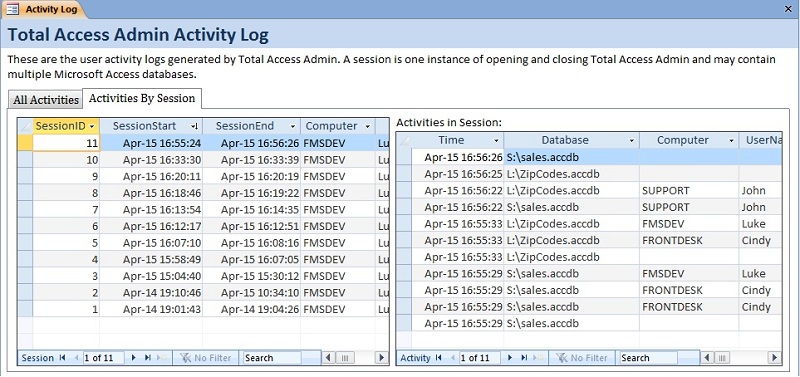
Collect the who, what, when, where, and how for each action.
- Who: user, role, service account, and authentication method
- What: SQL text or operation type, objects touched, row counts if safe
- When: timestamp with timezone
- Where: client IP, host, app name, session ID
- How: SSL/TLS status, MFA claim, privilege used, program version
Track results too. Success or failure. Rows affected. Error codes. This is vital when you learn how to monitor database access at scale.

Tools you can use
Every major database has built-in audit features.
- PostgreSQL: pg_audit, log_line_prefix, log_statement, pgaudit extensions
- MySQL/MariaDB: audit log plugin, general log, slow query log
- SQL Server: SQL Server Audit, Extended Events, Server/Database Audit Specs
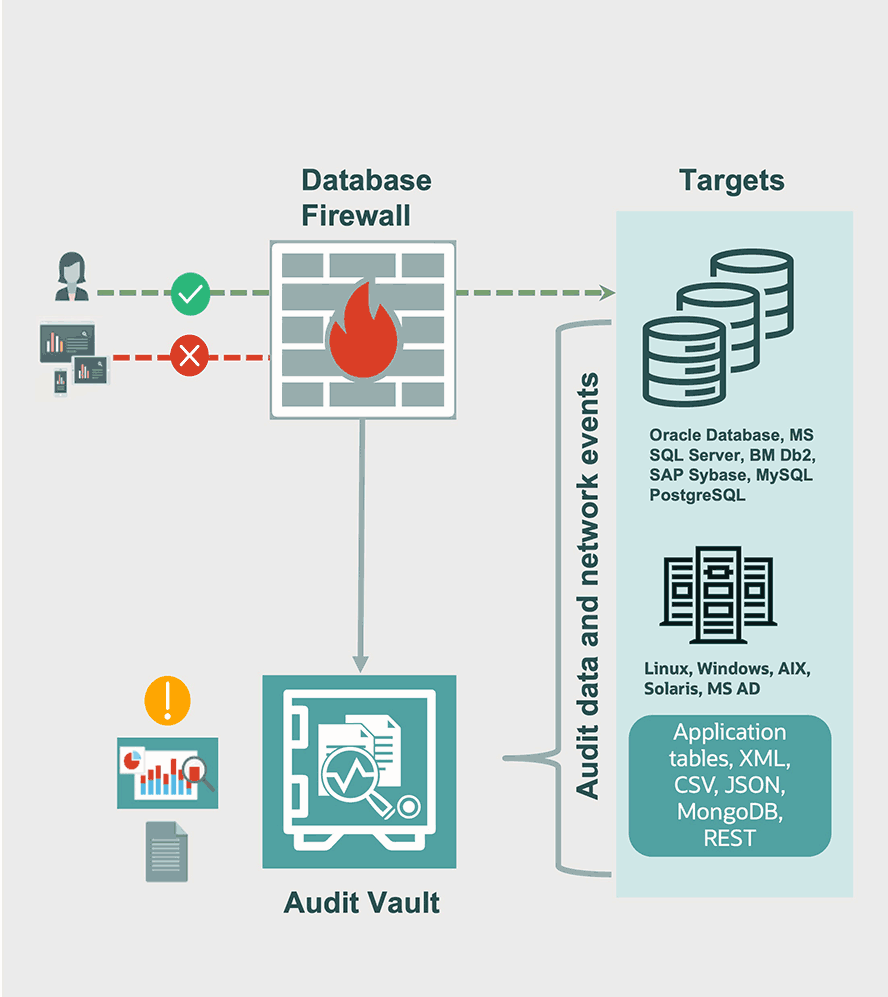
- Oracle: Unified Auditing, Fine-Grained Auditing (FGA), Database Vault
- MongoDB: audit logs, role-based access control, filterable events
Feed logs to a SIEM or data lake. Popular picks include cloud-native logging, open source stacks, and security platforms. This is a key part of how to monitor database access across many systems.

Step-by-step: how to monitor database access
Follow a simple plan. Keep noise low and value high.
- Define goals
- Security: detect misuse, anomalies, and data exfiltration
- Compliance: meet PCI, HIPAA, SOX, or ISO needs
- Operations: find slow or risky queries
- Map users and data
- List roles, service accounts, and high-risk tables
- Tag sensitive data like PII or card data
- Turn on auditing
- Enable native audit where possible
- Log to a secure, append-only store
- Use structured formats like JSON
- Normalize and enrich
- Parse events with a schema
- Add geo, cloud account, and hostname tags
- Alert with intent
- Start with a small set of high-signal rules
- Add thresholds and context to cut noise
- Review and refine
- Hold weekly reviews with security and DBAs
- Trim useless events and tune filters
- Test
- Run drills with fake incidents
- Validate chain of custody for logs
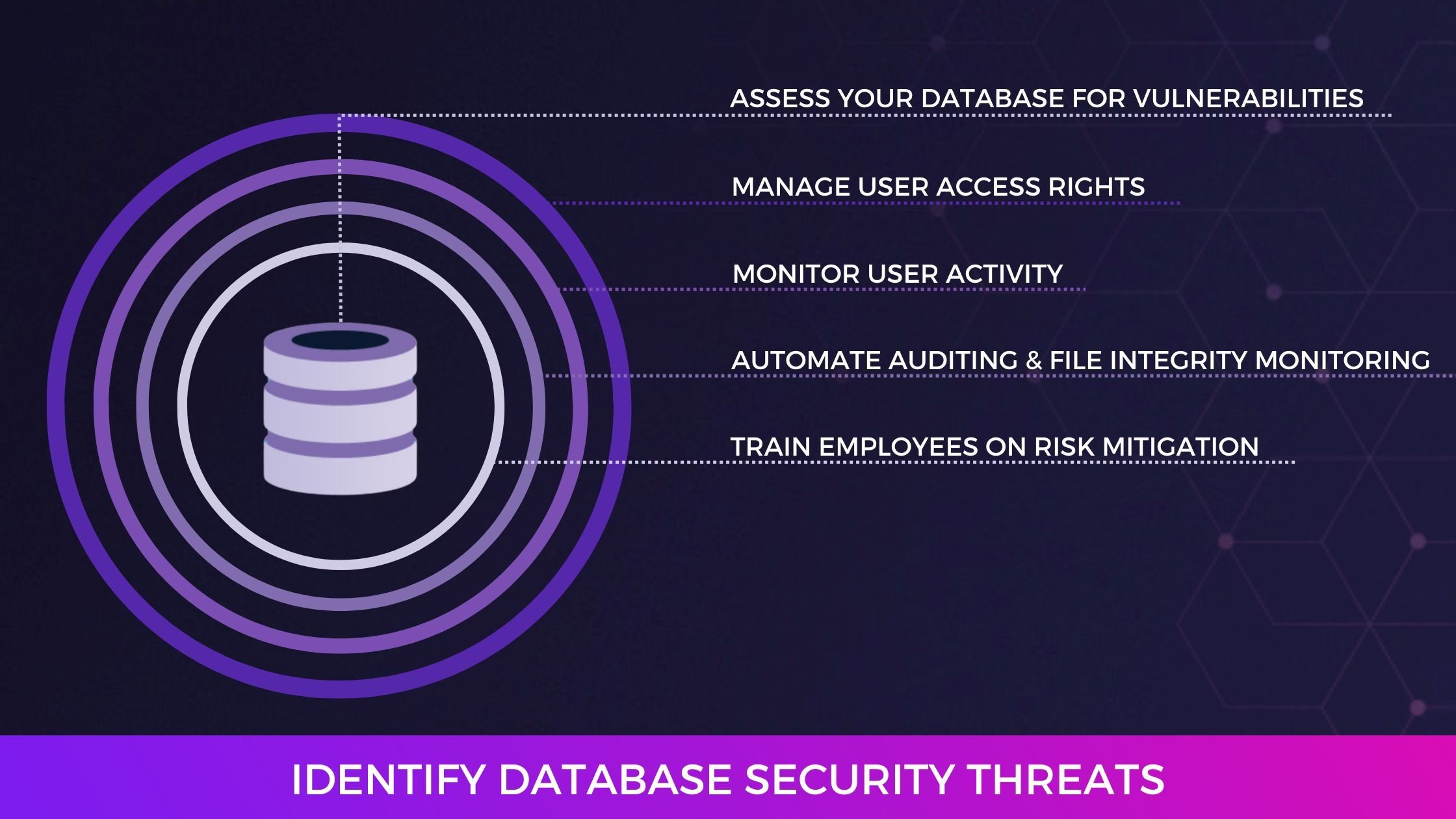
This is the simplest path for how to monitor database access in any stack.
Alerting rules that work
Good alerts are clear, fast, and rare. Each one should be actionable.
Use these core detections:
- Privilege escalation: new admin role granted outside a change window
- Mass export: unusual result set size or many SELECTs from sensitive tables
- Login anomalies: access from new country or sudden IP change
- Off-hours admin activity: risky action at odd hours
- Failed logins: spike in failures by user or IP
- Schema changes: DDL on protected objects without ticket reference
- Service account drift: service account used from unknown host
Tie alerts to runbooks. If you know how to monitor database access, you also know how to respond fast.
Dashboards and reports that help
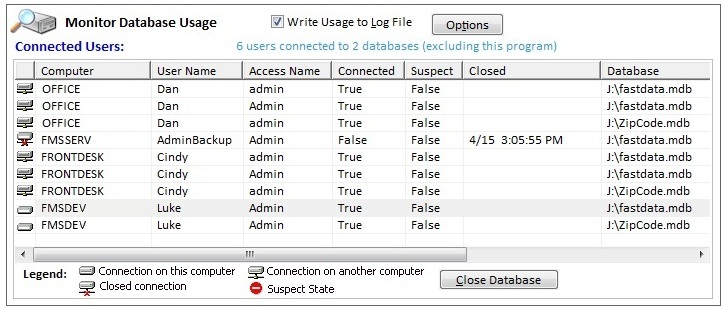
Your dashboard should answer three questions: what changed, who did it, and is it normal?
Include these widgets:
- Top users by sensitive table reads this week
- Failed logins by IP and country
- New roles or grants in the last 7 days
- Slow or heavy queries on hot tables
- Data export trends by app and user
- Unusual client apps or drivers
Use daily and weekly reports. Keep them short. Add a one-line summary. This keeps how to monitor database access simple for your team.
Privacy, compliance, and data retention
Protect the logs. They often hold sensitive SQL and values.
- Mask values: log object names and patterns, not full data
- Hash or tokenize: hide PII while keeping join keys
- Encrypt at rest: use KMS and rotation
- Limit access: read-only views for auditors
- Retain smart: 90 days hot, 1 year warm, 7 years cold if needed
Map to your frameworks. Many teams ask how to monitor database access for audits. The answer is strong controls, proof of review, and clean evidence.
Performance and cost tips
Auditing can add load. Keep it lean.
- Avoid full query text for noisy apps when not needed
- Use sampling for low-risk tables
- Filter at source: capture only needed events
- Batch and compress logs before shipping
- Offload parsing to your log pipeline
Watch overhead with each change. If you wonder how to monitor database access without lag, test with production-like traffic.
Real-world lessons from the field
At a fintech client, we set pg_audit on only sensitive schemas. We added one rule: alert on large result sets after hours. It caught a misconfigured report job in one day and a real insider risk a month later. False positives dropped after we added an allow list for known jobs.
At a SaaS company, we cut audit cost by 40%. We masked values, shipped JSON logs, and moved old data to cold storage. The team still met every audit. This is how to monitor database access with less spend and more signal.
Mistakes to avoid:
- Logging too much with no plan
- Sending alerts with no owner
- Ignoring service accounts
- Skipping tests and reviews
Advanced techniques and future trends
Modern stacks need context-aware controls.
- Just-in-time access: short-lived admin grants with approvals
- MFA for high-risk actions: step-up auth for DROP or GRANT
- UEBA: behavior models for users and apps
- Row-level audit: capture access to sensitive rows only
- Deception: honey tables or fake credentials to catch misuse
- Query allow lists: block unknown clients or patterns
AI can help, but start simple. Know your baseline first. The best path for how to monitor database access is steady, clear, and tested.
Frequently Asked Questions of how to monitor database access
What is the first step to monitor database access?
Start by listing sensitive data and high-risk roles. Then turn on native audit logs and send them to a secure store.
How do I avoid too many alerts?
Write a few high-signal rules and add context filters. Review alerts weekly and tune thresholds.
Does monitoring slow my database?
It can if set wrong. Capture only needed events and test each change with real traffic.
What should I put on my dashboard?
Show top readers of sensitive tables, failed logins, and new grants. Add trends and a short summary.
How long should I keep audit logs?
Keep at least 90 days hot and longer in cheaper storage if policy needs it. Follow your legal and audit rules.
How to monitor database access in the cloud?
Enable managed audit features and centralize logs in a cloud SIEM. Use IAM roles and short-lived credentials.
Can I monitor access without seeing actual data?
Yes. Log object names and patterns, mask values, and use hashing. You still get useful signals.
Conclusion
Good monitoring is a habit, not a switch. Start small, cover the risky tables, and ship clean logs. Add smart alerts and a simple dashboard. Review, tune, and repeat.
If you want to master how to monitor database access, pick one step today. Turn on audit logs. Set one alert. Share one weekly report. You will build trust and sleep better.
Want more guides like this? Subscribe, leave a comment, or ask a question. Your next audit will thank you.