
Collect, centralize, parse, visualize, and alert on your hosting logs daily.
If you run websites or apps, this guide shows how to monitor hosting performance logs with clarity and confidence. I’ve spent years keeping sites fast and stable at scale, and I’ll walk you through what to collect, how to wire it up, and how to turn noisy logs into simple signals you can trust.
Why monitoring hosting performance logs matters
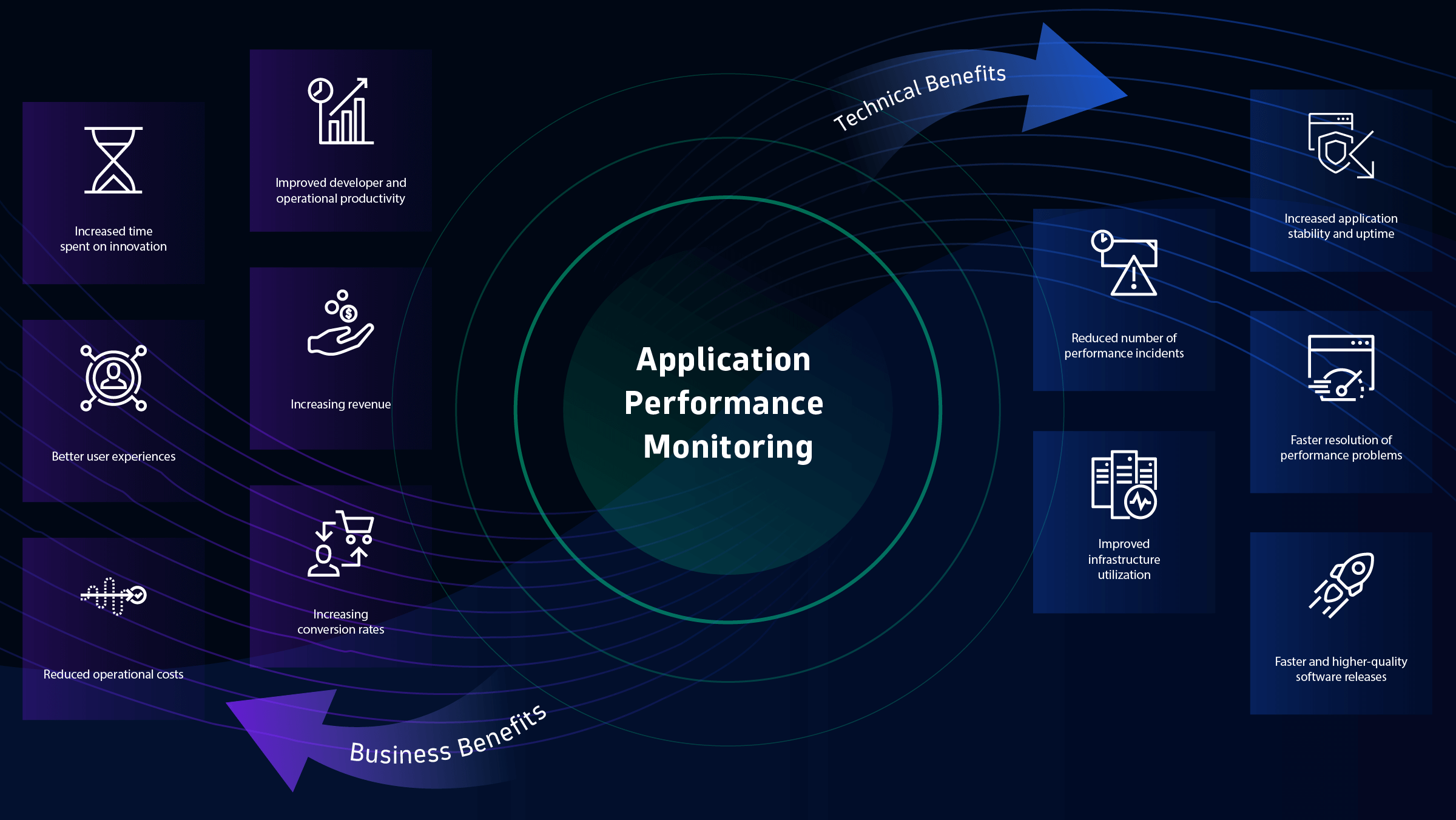
Logs tell you how your hosting behaves under real load. They reveal slow pages, error spikes, memory pressure, and database pain points before users complain. They also help you prove uptime and meet SLAs.
Strong log monitoring cuts mean time to resolve issues. It also informs capacity plans and release timing. If you came here to learn how to monitor hosting performance logs, you are on the right path to stable growth.
What to collect: key log sources and metrics
Not all logs are equal. Start with the sources that reflect user paths and system health.
- Web and proxy logs. Nginx, Apache, HAProxy, CDN logs. Capture method, path, status code, response time, bytes, user agent, referrer, and request ID.
- Application logs. Your app framework logs and custom events. Log at INFO for normal flow, WARN for unusual paths, ERROR for failures. Include trace or correlation IDs.
- Database logs. MySQL and PostgreSQL slow query logs, lock waits, connection errors, replication lag.
- System logs. Syslog or journald for kernel, disk, network, OOM kills, and restarts.
- Container and orchestrator logs. Docker stdout/stderr, Kubernetes events, node and pod metrics.
- Cloud and edge logs. Load balancer, firewall, WAF, DNS and CDN metrics for upstream latency and errors.
Key metrics to extract include p50, p95, p99 latency, 4xx and 5xx rate, throughput, CPU, memory, disk I/O, network errors, cache hit rate, and DB query time. This set is the backbone of how to monitor hosting performance logs at any scale.
Setting up log collection and centralization
Collect logs at the source and ship them to a central store. Use light agents on each host to avoid heavy load.
- Install shippers. Filebeat, Fluent Bit, Vector, or CloudWatch/Stackdriver agents. Point them at your log files and stdout.
- Ensure time sync. Use NTP or chrony on all hosts so timestamps line up.
- Secure transport. Send logs over TLS. Use IAM roles or API tokens. Limit who can read and write.
- Choose a backend. Elasticsearch/OpenSearch, Loki, cloud-native platforms, or a managed log service. Store raw logs in object storage for cheap retention.
- Set rotation. Use logrotate or app settings to keep files small and avoid disk fill.
In my experience, the best early win is to centralize Nginx, app, and DB slow logs. You can then scale out to other sources. This is a clean way to start if you ask how to monitor hosting performance logs with low friction.
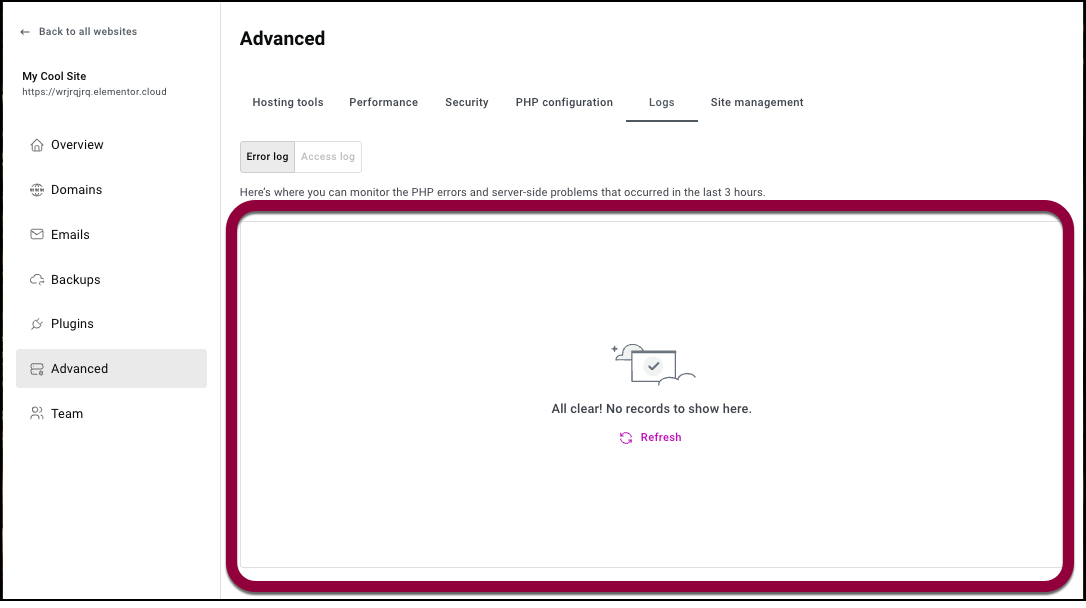
Parsing and structuring logs
Structured logs save hours of guesswork. Prefer JSON lines and include context fields.
- Add request_id, user_id (if allowed), session_id, region, version, pod, and trace_id.
- Use consistent keys. method, path, status, latency_ms, bytes, db_time_ms, cache_hit.
- Avoid unbounded labels like full URLs with IDs. Normalize or hash where needed.
Example Nginx access log in JSON:
log_format json_combined escape=json
  '{ "time":"$time_iso8601", "remote_ip":"$remote_addr", "method":"$request_method",'
  '"path":"$uri", "status":$status, "latency_ms":$request_time, "bytes":$bytes_sent,'
  '"ref":"$http_referer", "ua":"$http_user_agent", "req_id":"$request_id" }';
access_log /var/log/nginx/access.json.log json_combined;
Parsing tips:
- Use grok or regex parsers if JSON is not possible.
- Add drop rules for noisy heartbeat logs.
- Sample debug logs at a low rate in production.
If you want a clear start on how to monitor hosting performance logs, move to JSON early and keep field names simple.

Visualizing and alerting
Dashboards make patterns obvious. Alerts keep you ahead of incidents.
- Build core views. Traffic and latency over time, 4xx and 5xx rate, top slow endpoints, top error messages, DB slow query counts.
- Slice by dimension. Region, version, pod, node, AZ, URL pattern, customer segment.
- Set alerts with context. Alert on p95 latency, 5xx percentage, DB connection errors, and OOM kills.
- Use SLOs. Track error budget burn for uptime and latency targets.
Practical alert examples:
- 5xx rate above 2% for 5 minutes with p95 latency over 800 ms.
- DB slow queries over 100 per minute or replication lag above 5 seconds.
- Nginx upstream_connect_error spikes combined with pod restarts.
This is the heartbeat of how to monitor hosting performance logs in real time without alert fatigue.

Troubleshooting with logs: workflows and playbooks
When things break, follow a simple flow to cut noise.
- Define the window. When did the issue start and end?
- Correlate signals. Spikes in 5xx at the same time as a new deploy or a DB spike.
- Narrow scope. One region, one version, or one endpoint may be the trigger.
- Trace a request. Use request_id or trace_id to follow the hop chain.
- Check the change log. New release, config change, or traffic surge.
A real story: at 3 a.m., p95 latency jumped in one region. Logs showed 502s from the app. The same minute, DB slow logs showed a new missing index. We rolled back, added the index, and errors dropped. That playbook is a textbook for how to monitor hosting performance logs and act fast.
Security and compliance considerations
Logs can leak secrets if you are not careful. Treat them like user data.
- Mask sensitive fields. Emails, tokens, session IDs, credit card data. Use hashing or redaction.
- Limit access. Role-based access control and audit trails for queries.
- Encrypt in transit and at rest. TLS for shipping and KMS for storage.
- Set retention by policy. Keep what you need, delete what you do not.
- Watch PII risk. Keep only fields that help you debug or measure.
These steps are part of how to monitor hosting performance logs while staying compliant and safe.

Cost optimization and retention
Logging can get expensive fast. Design for value and cost control.
- Tiered storage. Hot for 7–14 days, warm for 30–90 days, cold in object storage.
- Index only useful fields. Store raw in cheap storage for reprocessing.
- Drop noise. Filter health checks and chatty debug lines. Sample high-volume paths.
- Control cardinality. Avoid unique labels that explode index size.
Smart retention is a big part of how to monitor hosting performance logs without surprise bills.
Maintenance routines and KPIs
Make log health a habit, not a scramble.
- Daily. Check failed alerts, 5xx trends, and top slow endpoints.
- Weekly. Review new error patterns and update dashboards and parsers.
- Monthly. Tune retention, refresh indexes, and run chaos or game days.
Key KPIs to track:
- MTTR and time to detect.
- p95 and p99 latency for key paths.
- 5xx rate over time and by release.
- DB slow query count and worst offenders.
These simple routines cement how to monitor hosting performance logs as a steady practice.
Common mistakes to avoid
Many teams repeat the same pitfalls. Skip them and save hours.
- No central logs. Hunting across servers wastes time.
- Time drift. Unsynced clocks break timelines and traces.
- Unstructured logs. Missing context makes debugging slow.
- No request IDs. You cannot follow a request path.
- Alert noise. Too many alerts train you to ignore them.
- High-cardinality labels. Indexes swell and queries crawl.
Avoiding these traps sharpens how to monitor hosting performance logs and keeps you focused on users.
Frequently Asked Questions of how to monitor hosting performance logs
What tools should I start with for a small team?
Use Fluent Bit to ship logs and a managed Elasticsearch or Loki stack. Add Grafana for dashboards and alerts to keep setup simple.
How long should I keep logs?
Keep hot logs for 7–14 days and cold storage for 90+ days. Align retention with compliance needs and incident review habits.
Should I log in JSON or plain text?
Use JSON lines for easy parsing and richer context. It makes search faster and reduces parsing errors.
How do I prevent logging sensitive data?
Redact or hash sensitive fields at the source and enforce code reviews. Add parser-side redaction as a safety net.
What should I alert on first?
Start with 5xx rate, p95 latency, DB errors, and OOM kills. Tune thresholds to your normal traffic and iterate.
How do I connect logs with traces and metrics?
Use consistent request_id or trace_id across services. Export to an APM or OpenTelemetry backend for end-to-end views.
Can logs replace metrics?
No. Logs offer detail while metrics give fast trends. Use both for full coverage.
Conclusion
You now have a clear, practical path to turn logs into uptime, speed, and trust. Start small, ship structured logs, build a few strong dashboards, and add targeted alerts. Keep refining the playbook as your traffic grows.
If you want to master how to monitor hosting performance logs, take the first step today: centralize your web, app, and DB logs, then set one alert on 5xx and p95. Ready to go deeper? Subscribe for future guides, ask a question, or share your own logging wins in the comments.



