

Offline recovery tools keep you safe, fast, and independent when systems fail.
If you manage data, uptime, or systems, you already feel the pressure. In this guide, I break down the benefits of having offline recovery utilities with clear steps, plain language, and lessons from real incidents. I have used these tools in ransomware drills and live outages. If you want resilience that holds under fire, this is the place to start.

What offline recovery utilities are and why they matter
Offline recovery utilities are tools you run without the main system or network. You boot from a USB or use a clean device. Then you repair, restore, or extract data. The benefits of having offline recovery utilities show up when things are broken, locked, or infected.
They work outside the attack surface. They bypass a bad OS, a failed disk, or a downed cloud. They help you act fast with clean tools. That speed and control lower stress and loss.
In risk terms, this is business continuity. Standards like NIST and ISO 27001 expect it. Many orgs call this part of cyber recovery, not just backup.

The strategic benefits of having offline recovery utilities
The benefits of having offline recovery utilities are clear and practical. You can measure them. You can train for them.
Key gains include:
- Clean start. You work from trusted media, not a possibly poisoned OS.
- Ransomware bypass. You restore without paying or waiting on decryption.
- Faster time to restore. You skip network delays and cloud waits.
- Less dependency. You can recover even if SSO, DNS, or cloud is down.
- Forensics support. You image drives and preserve evidence the right way.
- Policy fit. They align to CIS Controls and disaster recovery plans.
- Cost control. You cut downtime, which is often the biggest cost.
I have seen teams freeze in the first hour of an outage. Offline tools give them a script and a path. That calm is a hidden win.

When offline beats online: real threat scenarios
The benefits of having offline recovery utilities show best in tough cases. Think about these moments.
- Ransomware. Domain is locked. Shares are encrypted. You boot from a clean stick and restore last good images.
- Firmware mishap. A BIOS update bricks a server. You use a vendor recovery kit, offline, to roll back.
- Cloud outage. Your SaaS is down. You recover from offline exports or local backups to keep core ops moving.
- Insider error. A script wipes a database. You mount an offline snapshot and restore the data set.
- Supply chain attack. A signed update is bad. You rebuild clean from offline installers and checksums.
CISA and industry studies show recovery speed is the top gap. Offline plans close that gap.

Core components of an offline recovery toolkit
If you want the benefits of having offline recovery utilities, build a kit that covers the basics. Keep it simple and proven.
- Bootable USBs. Include Windows PE, Linux live, and vendor rescue media.
- Disk imaging tools. Let you clone, image, and restore full systems.
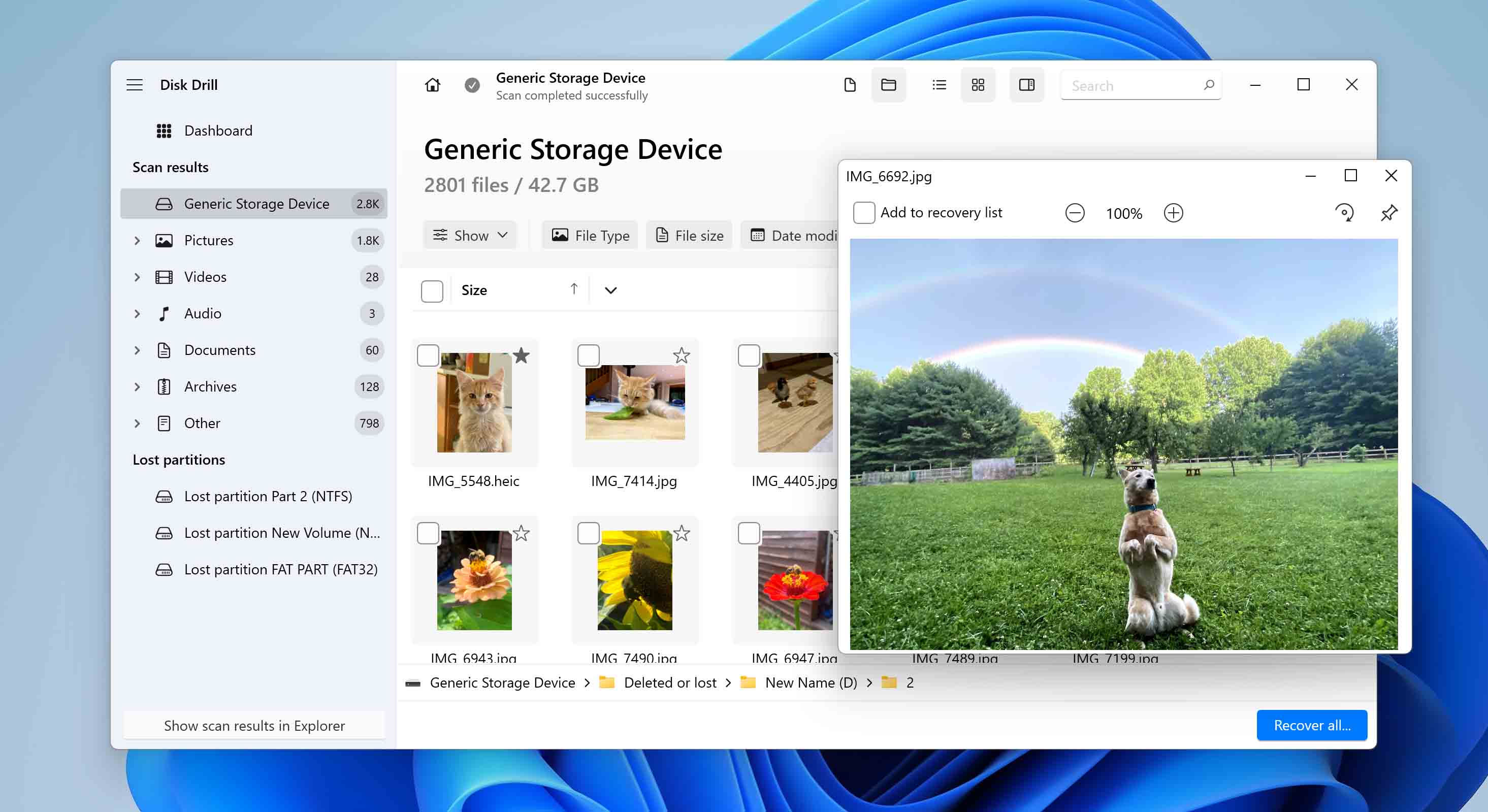
- File recovery tools. Restore deleted files and partitions.
- Password and account tools. Reset local admin or recover access with approval.
- Firmware and driver packs. Roll back or reflash safely.
- Offline installers. Keep patched installers for core apps.
- Hash and integrity tools. Verify files with SHA-256 checksums.
- Forensic capture tools. Preserve evidence with write blockers when needed.
- Documentation. Printed runbooks and contact lists.
- Spares. Cables, adapters, labels, and a tested external SSD.
Store two copies of this kit. Protect one in a locked, air‑gapped place. Test both.

Set up your offline recovery workflow
A workflow turns tools into outcomes. The benefits of having offline recovery utilities grow when you have steps to follow.
- Define tiers. What must be back in 1 hour, 4 hours, and 24 hours.
- Map images to systems. Keep golden images for each class of device.
- Build rescue media. Standardize versions and label each stick.
- Script the steps. Use simple checklists for boot, image, verify, restore.
- Train. Run drills each quarter. Swap roles so everyone learns.
- Record. Log each action for audits and lessons.
Match this flow to your incident plan. NIST SP 800-34 and 800-184 give good models.
Maintenance, testing, and governance
The benefits of having offline recovery utilities fade if you do not maintain them. Set a cadence and stick to it.
- Monthly. Boot-test USBs. Verify hashes. Update key tools.
- Quarterly. Full restore test on non‑prod hardware. Time the process.
- After major updates. Refresh images and drivers.
- Annually. Review scope. Retire old media. Update roles and contacts.
Track versions and serials. Use a small register for chain of custody. That builds trust and proves control.

Common mistakes and how to avoid them
I have seen these errors in audits and live events. Avoid them and you keep more of the benefits of having offline recovery utilities.
- Tools exist, but no one knows where. Label and log storage locations.
- Media that will not boot. Test, then test again after updates.
- No offline credentials. Store admin creds in a sealed, approved vault.
- Images without drivers. Slipstream network and storage drivers.
- Backups only in the cloud. Keep one local, offline copy for speed.
- No verify step. Always use hash checks and test restores.
A 30-minute drill can catch most of these gaps.

ROI and metrics that prove value
Leaders want proof. The benefits of having offline recovery utilities show in numbers.
Track these:
- Recovery time objective vs actual. How fast did you get back up.
- Recovery point objective. How much data did you lose.
- Cost of downtime avoided. Use simple per-hour cost models.
- Drill pass rate. Steps done right, first time.
- Tool health score. Percent of media that boot and verify.
Industry reports show downtime costs climb fast with each hour. A one-hour cut often pays for your kit in a single event.
Real stories from the field
Two years ago, a client faced a ransomware hit on a holiday weekend. AD was locked. Backups in the cloud were slow to access. We used the offline kit. We rebuilt two key servers from golden images. We restored data from an offline SSD. They were serving customers in four hours. The benefits of having offline recovery utilities were not abstract that day.
In another case, a BIOS update failed on a storage node. The team had the vendor’s offline flasher ready. They rolled back in minutes. No data loss. The postmortem praised the prep, not luck.
Building a compliant and secure offline setup
The benefits of having offline recovery utilities improve your security and your audits. But you must manage risk.
- Control access. Store kits in locked cabinets. Use sign-out logs.
- Encrypt where needed. Encrypt drives that hold images with strong keys.
- Separate duties. One person holds keys, another performs restores.
- Document approvals. For password resets and forensics, require ticketed approval.
- Align to standards. Map to CIS Controls, ISO 27001, and your SOC 2 scope.
Auditors like clear proof. Show your runbooks, test logs, and chain-of-custody notes.
Buying guide: features that matter
If you plan to buy tools, choose what helps you realize the benefits of having offline recovery utilities without bloat.
Look for:
- Bare-metal restore that works across hardware.
- Image compression and fast verify.
- Support for BitLocker and other full-disk crypto.
- Write-blocking for forensic-safe captures.
- Simple, readable logs and reports.
- Long-term offline activation or portable licenses.
Pilot before you buy. Test on your real hardware and edge cases.
Implementation checklist
Use this short list to put the benefits of having offline recovery utilities into action this month.
- Define top five systems to protect first.
- Build two bootable USBs per OS.
- Create and verify golden images.
- Prepare one encrypted external SSD for fast restores.
- Print and store runbooks with contacts.
- Schedule a one-hour tabletop and a two-hour live drill.
Mark a calendar reminder for monthly checks. Small actions add up fast.
Frequently Asked Questions of benefits of having offline recovery utilities
What are offline recovery utilities?
They are tools that run without your main OS or network. You use them to repair, image, or restore systems from clean media.
How do they help during ransomware?
They let you boot clean and restore from known good images. You avoid running tools on an infected OS and reduce risk of re-encryption.
Do I still need cloud backups?
Yes, use both. Offline copies give speed and control, while cloud adds distance and durability.
How often should I test my offline kit?
Test monthly for boot and integrity. Run a fuller restore drill each quarter to measure time and gaps.
Are offline tools safe for encrypted drives?
Yes, if they support your crypto, like BitLocker. Always have recovery keys stored in a secure, approved vault.
What if my hardware is very new?
Slipstream drivers into your images and media. Test on at least one device with the new chipset before you need it.
Can small teams benefit too?
Yes. Even one bootable USB and a tested image can save a long night. Start small and grow as you learn.
Conclusion
Resilience is a habit, not a wish. The benefits of having offline recovery utilities show up when the room is tense, the clock is loud, and people need answers. Build your kit, test it, and keep it current. Your future self will thank you when trouble hits.
Take one step today. Create a bootable USB, verify a golden image, and schedule a drill. Want more guides like this? Subscribe or leave a comment with your top recovery questions.



