
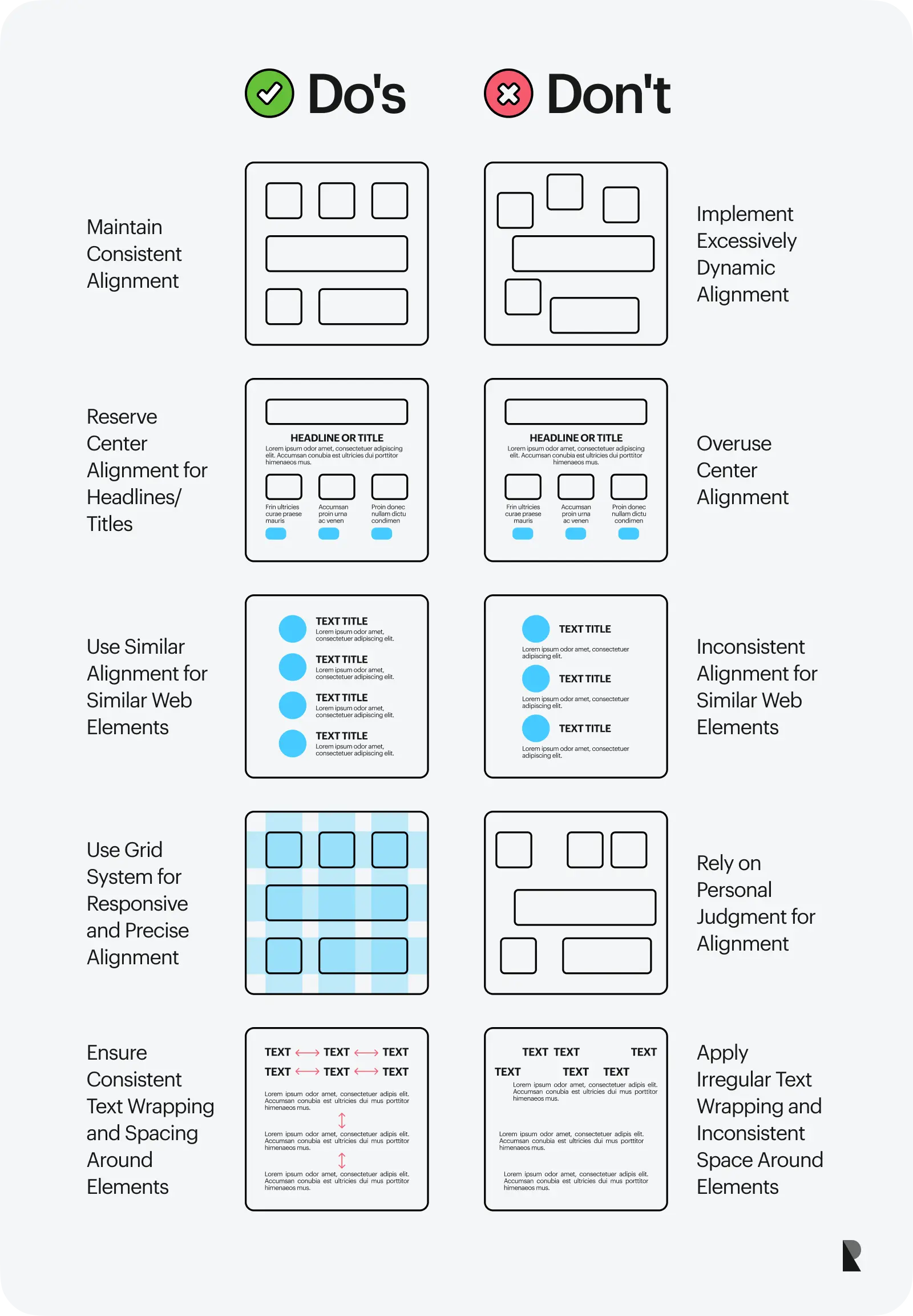
Align content hierarchy by mapping goals to user intent, headings, and design.
If you want your pages to work, you must guide the eye. You must guide the mind. This guide shows how to align content hierarchy so users get what they need fast. I have led content overhauls across large sites. I will walk you through what works, what fails, and how to scale it with confidence.
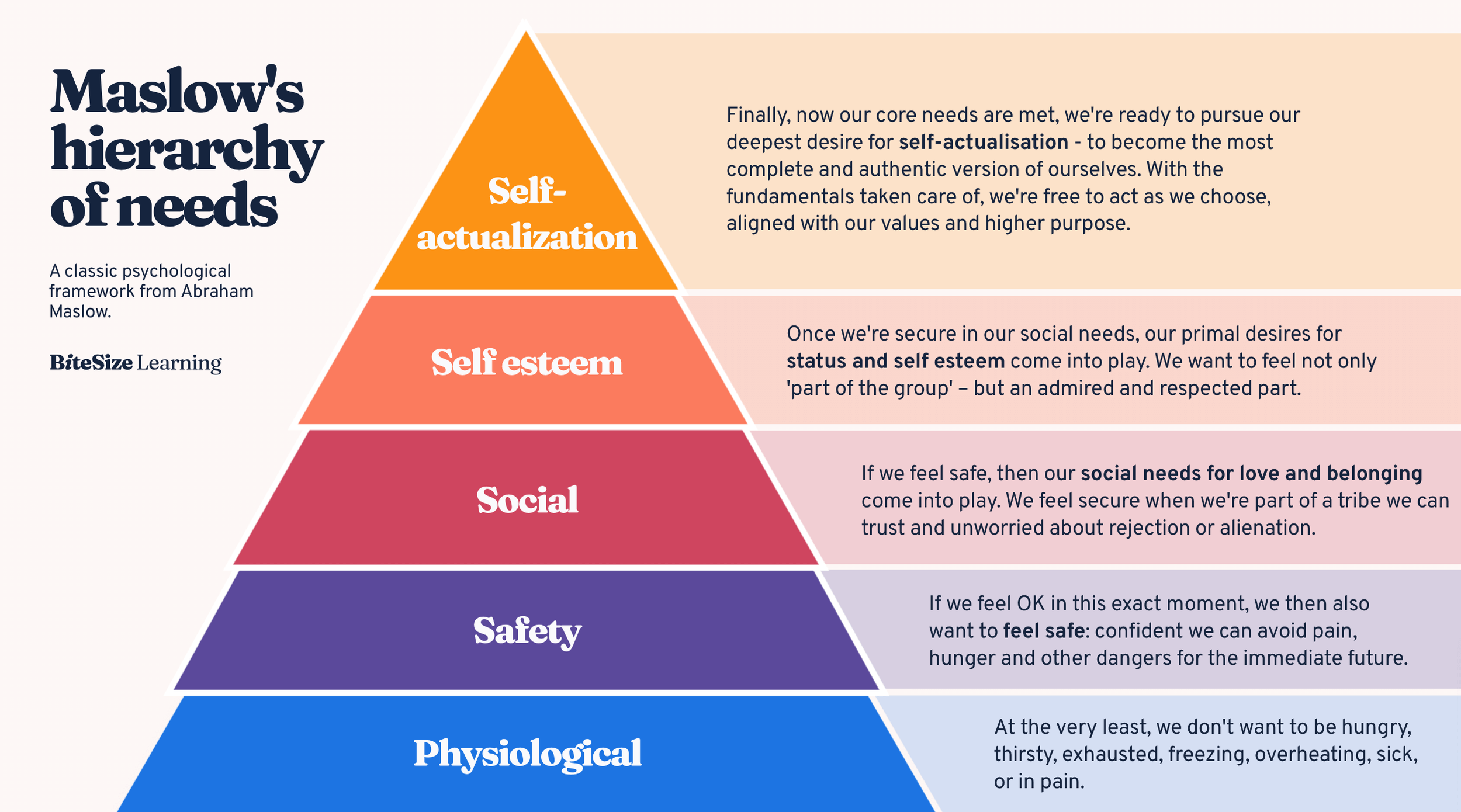
What is content hierarchy?
Content hierarchy is the order and weight of your words and visuals. It tells users what to read first, next, and last. It sets the pace. It shapes scan paths. It helps people act fast.
Think of it like a city map. Main roads are your H1 and hero. Side streets are your H2 and H3 blocks. Buttons are clear signs. Good maps prevent wrong turns. Good hierarchy prevents bounces.
When you learn how to align content hierarchy, you reduce noise. You keep the most vital message at the top. You support it with proof, then action.
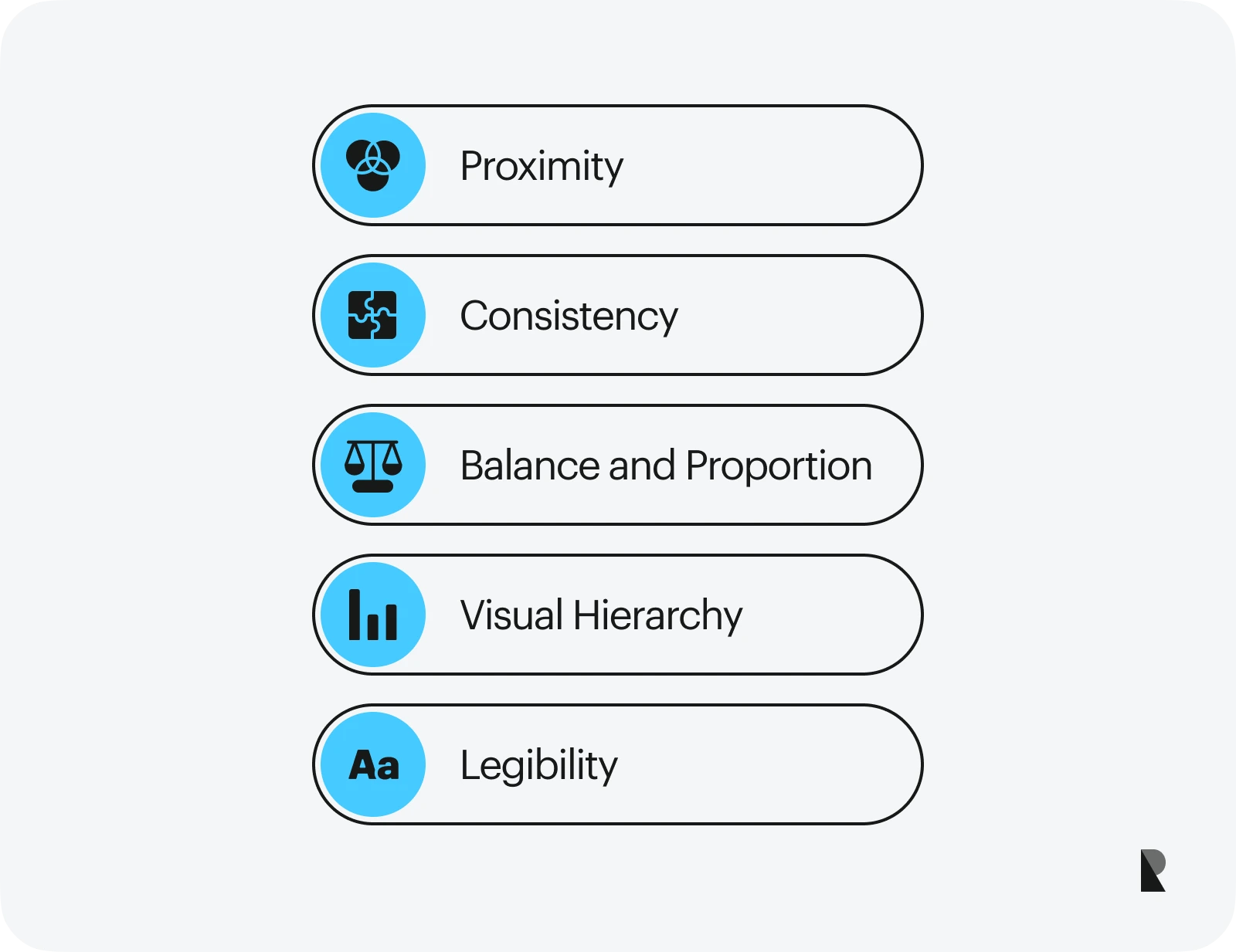
Why aligning content hierarchy matters
It boosts SEO. Clear headings help search engines grasp meaning. Strong structure wins snippets and improves dwell time. Clean markup also helps accessibility.
It boosts UX. People scan pages. They look for cues. Short blocks, strong headings, and clear CTAs make that scan smooth. That means more clicks and more trust.
It boosts revenue. Users who find answers fast are more likely to act. Strong hierarchy can cut churn, lift sign-ups, and speed checkout. This is why teams ask how to align content hierarchy before they ship.

Core principles of content hierarchy
Lead with intent, not decoration
Your top block must solve the user’s need. Make the value sharp. Cut fluff. Use the words your users use.
Structure with semantic headings
Use one H1. Use H2 for main points. Use H3 for details. Keep a clean cascade. It helps screen readers and search engines see the plan.
Use visual weight to guide the eye
Size, color, and space create rank. Larger type means more weight. More white space means a pause. Contrast is a sign post. Keep it consistent across pages.
Chunk content for easy scans
Keep blocks short. Use bullets for lists. Use short sentences. One idea per block. That is how to align content hierarchy for real users on small screens.
Mark up meaning, not looks
Use semantic HTML, lists, and proper labels. Use ARIA when needed. This adds trust and improves reach.

Step-by-step: how to align content hierarchy on any page
Here is a simple, repeatable plan. Share it with your team. Use it for every page type.
-
Define the job of the page
- What should a user know, feel, and do?
- Write one sentence: “This page helps X do Y so they can Z.”
- This sets the top of your hierarchy.
-
Map user intent and questions
- List top questions from users.
- Pull from search data, support chats, and sales calls.
- Order them by impact. This is how to align content hierarchy with real needs.
-
Inventory content
- Gather current copy, media, links, and CTAs.
- Cut what does not serve the page job.
- Keep only what supports the goal.
-
Draft the outline with headings
- H1: Core promise and who it helps.
- H2: Key benefits or proof.
- H2: Details or steps.
- H2: Social proof or trust marks.
- H2: CTA.
- This is the backbone of how to align content hierarchy for both SEO and UX.
-
Design the fold
- Above the fold: H1, value, primary CTA.
- Support with one strong proof point.
- Reduce links that distract.
-
Apply visual cues
- Use consistent type scale.
- Use color for action, not flair.
- Keep generous spacing.
- This is how to align content hierarchy so eyes flow with ease.
-
Link with intent
- Use internal links to deeper info.
- Place them near the claim they support.
- Use clear anchor text.
-
Optimize for mobile first
- Test tap targets.
- Keep lines short.
- Avoid long blocks.
- Many teams forget this step of how to align content hierarchy.
-
Validate with users
- Ask five users to find one thing.
- Watch where they stall.
- Fix the first stall point. Then test again.
-
Publish, measure, refine
- Track scroll depth, CTR, and conversion.
- Update headings and order based on data.
- Iteration is how to align content hierarchy at scale.
Real-world examples and templates
Use these quick templates to move fast. Edit to match your brand and page goals.
Product page
- H1: Product name + main value
- H2: Key benefits (3 bullets)
- H2: Visual proof (image or short video)
- H2: Specs or details
- H2: Reviews and trust marks
- H2: Pricing and primary CTA
This flow shows how to align content hierarchy around value, proof, and action.
Blog post
- H1: Clear promise with the main keyword
- H2: Summary or TL;DR
- H2: Core sections that solve the problem
- H2: Use cases or examples
- H2: Next steps and CTA
Landing page
- H1: Outcome-driven headline
- H2: How it works (three steps)
- H2: Case study snapshot
- H2: Objection handling (FAQs)
- H2: CTA

Common mistakes and how to fix them
Mistake: Too many messages at the top
Fix: Pick one primary goal. Push the rest below.
Mistake: Headings that say nothing
Fix: Make each heading a clear claim. Support with short proof.
Mistake: Walls of text
Fix: Break into short blocks and bullets. Use plain words.
Mistake: Style over sense
Fix: Do not let colors or images hide key text. Make action clear.
Mistake: Desktop-led design
Fix: Build for mobile first. Then scale up. This is how to align content hierarchy that works for all.
Tools, checks, and metrics
Use the right tools to build and test.
Tools
- Site crawlers to audit headings and links
- Analytics to track scroll, CTR, and exits
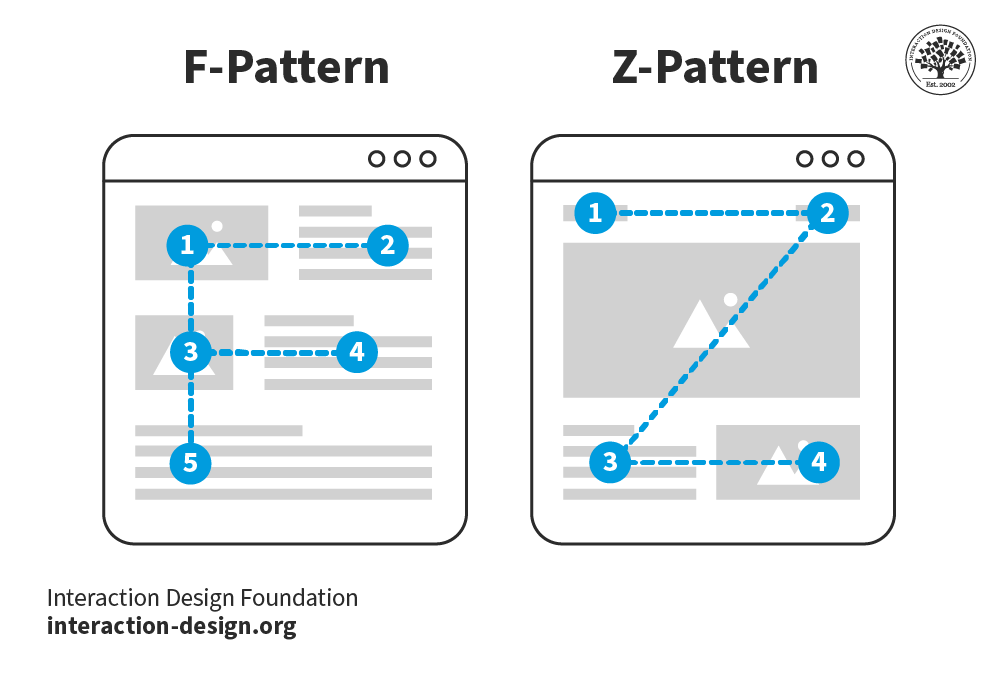
- Heatmaps to see scan paths
- Writing tools to cut fluff and improve clarity
- Performance tools to speed load times
- Accessibility checkers to validate structure
Checks
- One clear H1 with the main promise
- Logical H2 and H3 order
- Primary CTA above the fold
- Clear anchors and alt text
- Fast load, stable layout
Metrics
- Scroll depth to key sections
- Click-through on in-page links and CTAs
- Conversion rate and time on task
- Bounce rate on entry pages
- Core Web Vitals
These help you see how to align content hierarchy over time with proof.
Advanced tips to scale your hierarchy
Use structured data
- Add schema for articles, products, and FAQs.
- This can unlock rich results and boost clarity.
Build topic clusters
- Group related pages.
- Use hub pages with clear H2 sections.
- Link out to deep pages with intent-based anchors.
Create reusable components
- Build hero, benefits, proof, and CTA blocks.
- Store them in your CMS.
- This keeps how to align content hierarchy consistent across teams.
Write content briefs
- Include page job, audience, outline, and sources.
- Add SERP notes and competitor gaps.
- Briefs keep writers and designers aligned.
Localize with care
- Keep the same hierarchy in each locale.
- Adapt examples and proof.
- Keep CTAs clear and near the top.
Frequently Asked Questions of how to align content hierarchy
What is the first step to align content hierarchy?
Start with the page goal and user intent. Write one sentence that states the job of the page.
How many headings should a page have?
Use one H1. Use as many H2 and H3 as needed, but keep the cascade clean and logical.
Does content hierarchy affect SEO?
Yes. Clear headings, semantic HTML, and strong structure help search engines parse meaning. It can improve rankings and click-through.
How do I align content hierarchy on mobile?
Use short blocks, clear H2 sections, and large tap targets. Test on real devices and fix the first stall point.
How often should I update my hierarchy?
Review after each release or campaign. Update when data shows users stall or when new intent emerges.
Can images help hierarchy?
Yes. Images can direct attention and support claims. Use captions and alt text to add meaning.
What if stakeholders want everything at the top?
Show data from heatmaps and tests. Prove that focus beats clutter and improves conversions.
Conclusion
Strong pages guide eyes and choices. Clear structure, sharp headings, and smart design let users win fast. Now you know how to align content hierarchy with a plan you can scale.
Pick one page today. Set the goal. Rebuild the outline. Ship and test. Then roll it out across your site.
Want more guides like this? Subscribe for weekly tips, or drop your questions in the comments.



