
Start with short, daily, multi-sensory lessons that blend play and data.
If you want a clear plan for how to teach alphabet digitally, you’re in the right place. I’ve spent years helping teachers, parents, and schools use tech to build strong early literacy. In this guide, I’ll show you step-by-step methods, tools, and routines that work in real classrooms and homes. You’ll learn how to teach alphabet digitally with confidence and keep kids excited to learn.

Why teach the alphabet digitally?
Digital learning boosts access, practice, and feedback. Children can hear letter sounds, trace letters, and get instant tips in seconds. That is hard to do at scale with paper alone.
Studies in early literacy show that frequent, short practice builds mastery. Digital tools can target gaps fast. They can repeat sounds, highlight shapes, and adjust difficulty in real time.
Digital does not replace hands-on play. It supports it. When used well, screens guide, and kids still move, speak, and write. That blend is the sweet spot. This balance is key to how to teach alphabet digitally with results.
When families join in, the impact grows. Home devices help review and keep skills fresh. That helps every child.

A simple framework for how to teach alphabet digitally
Think in three parts: goals, tools, and routine. This keeps your plan clear and steady.
Set specific goals
- Letter names: Can the child name each letter fast and clear?
- Letter sounds: Can they link each letter to its main sound?
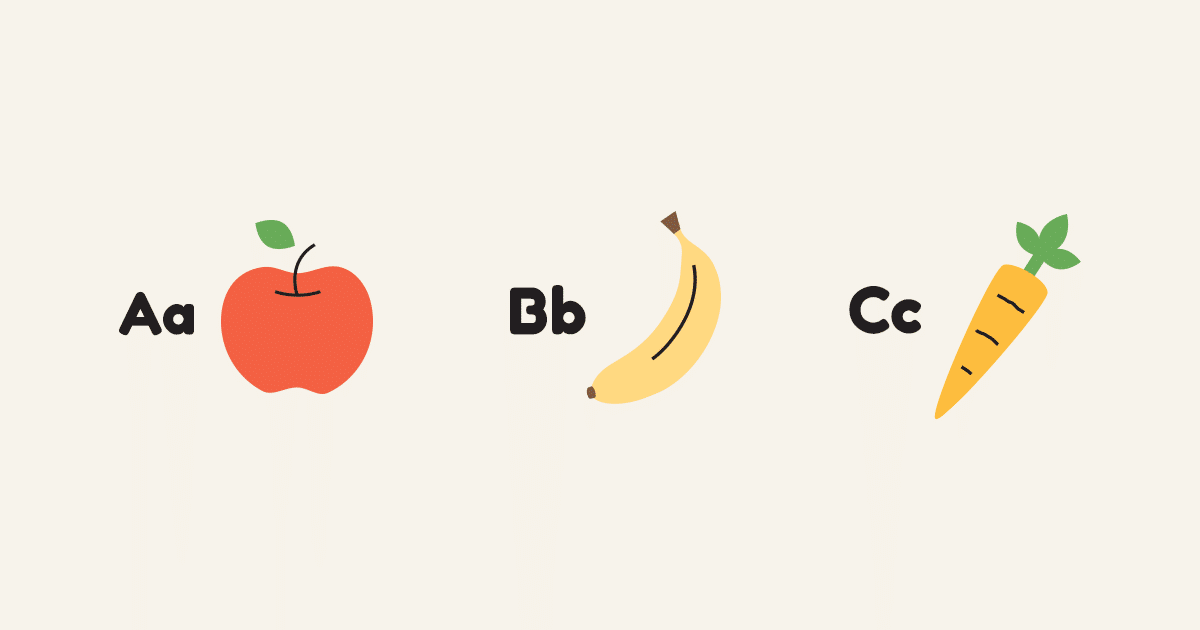
- Uppercase and lowercase: Can they match Aa, Bb, Cc?
- Letter formation: Can they form letters with proper strokes?
Choose the right tools
- Look for clear audio, clean visuals, and no ads.
- Pick apps that model sounds and strokes.
- Use tools that track progress and export reports.
- Ensure offline options for low‑connectivity settings.
Plan a blended routine
- Use 10–15 minute digital blocks, 4–5 days a week.
- Follow model–practice–feedback–review.
- Add talk time, movement, and writing with real tools.
- Check progress weekly and adjust.
This framework keeps how to teach alphabet digitally simple and strong.

Step-by-step lesson flow for how to teach alphabet digitally
Use this repeatable mini-lesson. It takes about 12–15 minutes.
- Warm-up review, 2 minutes. Flash 3–5 known letters. Kids say name and sound.
- Sound focus, 3 minutes. The app models the letter sound three times. Children echo and gesture.
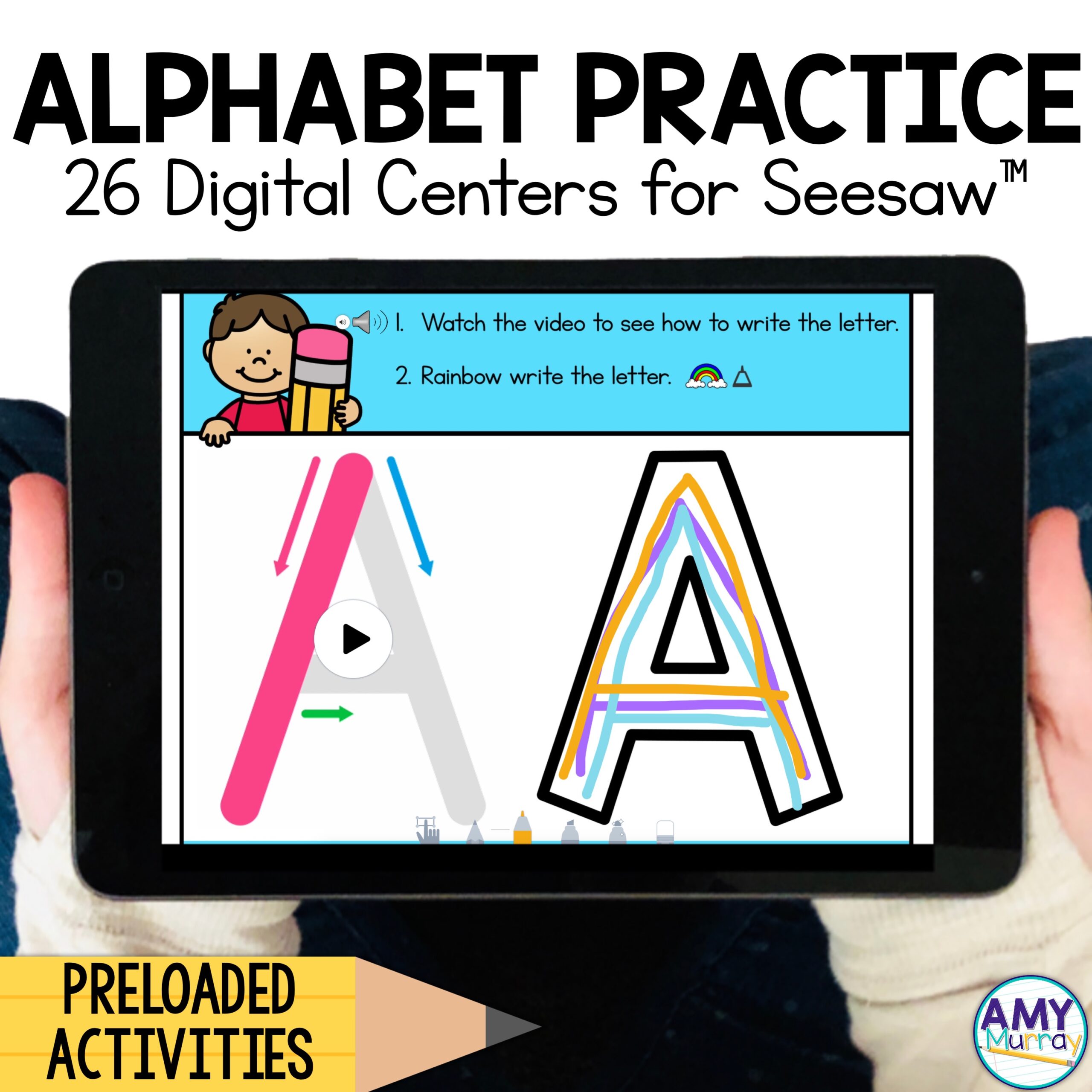
- Formation, 3 minutes. Trace on-screen. Then trace with finger in air. Then write on a board or paper.
- Identify and sort, 2 minutes. Find the target letter among look-alikes.
- Apply in words, 2 minutes. Hear 2–3 simple words. Tap if they hear the focus sound.
- Quick game, 2 minutes. One level only. Keep it short and sharp.
- Exit check, 1 minute. Child names and sounds the focus letter.
Add a weekly rotation. Do 3–4 new letters and keep 8–10 in review. This is a proven way for how to teach alphabet digitally without overwhelm.

Methods by age and context
Different ages need different touches. Adjust pace, play, and support.
Pre-K and Kindergarten
- Keep tasks short, with big buttons and bright cues.
- Use songs, chants, and gesture for every sound.
- Pair digital tracing with sand trays, playdough, or whiteboards.
Grades 1–2 intervention
- Focus on speed and accuracy with timed reviews.
- Target confusions (b/d, p/q) with mirror work and slow tracing.
- Blend decodable words to link letters to reading.
English learners
- Model mouth shapes. Use slow, clear audio.
- Add pictures and real objects for meaning.
- Let kids record themselves and compare to the model.
Home learning
- Two short blocks per day beat one long session.
- Use a visible progress chart on the fridge.
- Keep choice: pick the letter, the game, or the tool.
These tweaks make how to teach alphabet digitally fit every learner.
Best digital tools and setup
You do not need many apps. You need the right mix.
Core categories
- Letter-sound practice apps with spaced review
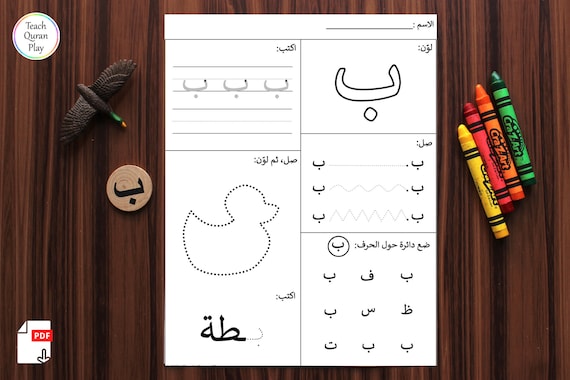
- Handwriting and formation tools with stroke guidance
- Digital manipulatives for matching and sorting
- Game platforms that limit time and track data
- Simple video tools for teacher modeling and student recording
Practical setup tips
- Use child profiles to save progress.
- Turn off notifications and ads.
- Keep a tub with stylus, mini whiteboard, markers, and letter cards.
- Preload offline lessons for home use.
In my classrooms, one letter-sound app, one tracing app, and a simple quiz tool were enough. Less is more when you plan how to teach alphabet digitally with purpose.
Differentiation and accessibility
Every learner can succeed with the right support.
- Visual supports: Use high-contrast themes and large letters.
- Audio supports: Slow playback and repeat buttons help.
- Motor supports: Try a thick stylus, guided tracing, and larger touch targets.
- Cognitive supports: One step per screen, short directions, and clear icons.
- Dyslexia-friendly options: Use clean fonts and reduce visual clutter.
- Multisensory mix: Say it, see it, trace it, build it, and find it.
Offer choice boards. Let students pick their path to the same goal. This choice builds buy-in and strengthens how to teach alphabet digitally for diverse needs.
Data, feedback, and assessment
Data should be simple and useful.
- Track letter naming: How many letters per minute with no errors?
- Track letter sounds: Same measure for key sounds.
- Track formation: Rate legibility and correct strokes.
- Watch for confusions: Note each mix-up pattern.
Use quick checks twice a week. Share wins with families. Celebrate tiny gains. In my experience, this steady loop is the engine of how to teach alphabet digitally and keep progress moving.
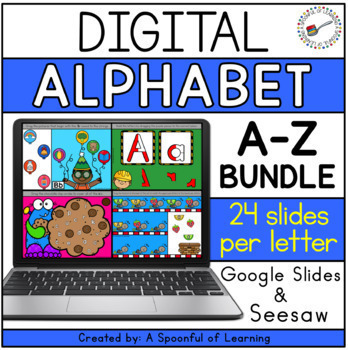
Engagement strategies and device routines
Keep learning lively and calm.
- Use a timer. Short sprints beat long marathons.
- Add movement. Stand, trace in the air, clap syllables.
- Gamify lightly. Earn stars for effort, not just scores.
- Pair and share. One models; one checks; then switch.
- Set clear rules. One level per game, then back to review.
I once worked with a lively kindergarten class that wandered during tablet time. A simple routine—timer, one level, then show a friend—cut noise and raised focus within a week. These tiny habits power how to teach alphabet digitally without chaos.

Common mistakes to avoid and how to fix them
- Too much screen time: Keep sessions short and blend hands-on work.
- Skipping sounds: Always link the letter to its main sound.
- Only uppercase: Teach uppercase and lowercase together.
- One-size-fits-all: Use data to adjust pace and focus letters.
- App hopping: Pick few tools. Stay consistent. Track progress.
When you fix these, your plan for how to teach alphabet digitally gets lean and strong.
A simple 2‑week plan for how to teach alphabet digitally
Use this as a template. Adjust letters to your scope and sequence.
Week 1
- Day 1: A a — sound, trace, find, quick game, exit check
- Day 2: M m — same flow
- Day 3: S s — same flow
- Day 4: Review A, M, S — speed checks and sorting
- Day 5: Real-world link — find letters in labels, books, or signs
Week 2
- Day 1: T t — lesson flow
- Day 2: P p — lesson flow
- Day 3: O o — lesson flow
- Day 4: Review set — mix A, M, S, T, P, O
- Day 5: Apply — build simple words: am, at, sat, map, tap
Repeat the cycle, and refresh review sets weekly. This plan keeps how to teach alphabet digitally organized and effective.
Frequently Asked Questions of how to teach alphabet digitally
What devices work best for teaching the alphabet?
Tablets are great for tracing and audio feedback. Laptops work well for sorting, quizzes, and video modeling.
How long should daily practice be?
Aim for 10–15 minutes a day, five days a week. Short, steady practice beats long sessions.
Should I teach uppercase or lowercase first?
Teach both together using pairs like Aa and Bb. Children see both in books, so pairing helps transfer.
How do I keep kids from getting distracted?
Use one app at a time, clear timers, and simple rules. Turn off notifications and use guided access.
How can I support children with learning differences?
Use larger fonts, slower audio, and multisensory steps. Offer shorter tasks and frequent breaks.
How do I know if a child is ready for new letters?
When they can name and sound current letters fast and with few errors. Use quick checks twice a week.
Conclusion
You now have a clear playbook for how to teach alphabet digitally. Set tight goals, choose a few strong tools, and run short, blended lessons. Track progress, celebrate small wins, and keep it fun.
Start today: pick three letters, plan a 12-minute session, and try the routine. Then adjust with data. If you found this helpful, subscribe for more guides, share with a colleague, or leave a question so I can help you fine-tune your plan.



