

Pick antivirus by proven protection, low system impact, clear privacy, and price.
If you want a simple, trusted guide on how to choose antivirus software, you’re in the right place. I’ve tested many tools for home users, freelancers, and small teams. In this guide, I’ll show you what matters, what to avoid, and how to pick the right fit. You’ll learn how to choose antivirus software with confidence, even if you’re not a tech expert.
Understand the basics: what antivirus actually does
Antivirus protects you from known and unknown threats. It scans files, checks web links, and watches for strange behavior. Many tools also block phishing and fake sites.
Modern suites use several layers. Signatures catch known malware. Behavior engines spot new threats. Cloud analysis adds speed. Some tools add a firewall, ransomware rollbacks, and web filters. Knowing this helps you see how to choose antivirus software for your real risks.
Core protection layers
- Real-time scanning Stops threats the moment they reach your device.
- Web protection Blocks bad sites and dangerous downloads.
- Ransomware defense Protects files and can recover changes.
- Firewall Controls network traffic.
- Email and phishing filters Catches fake login pages and scams.
Key features to look for
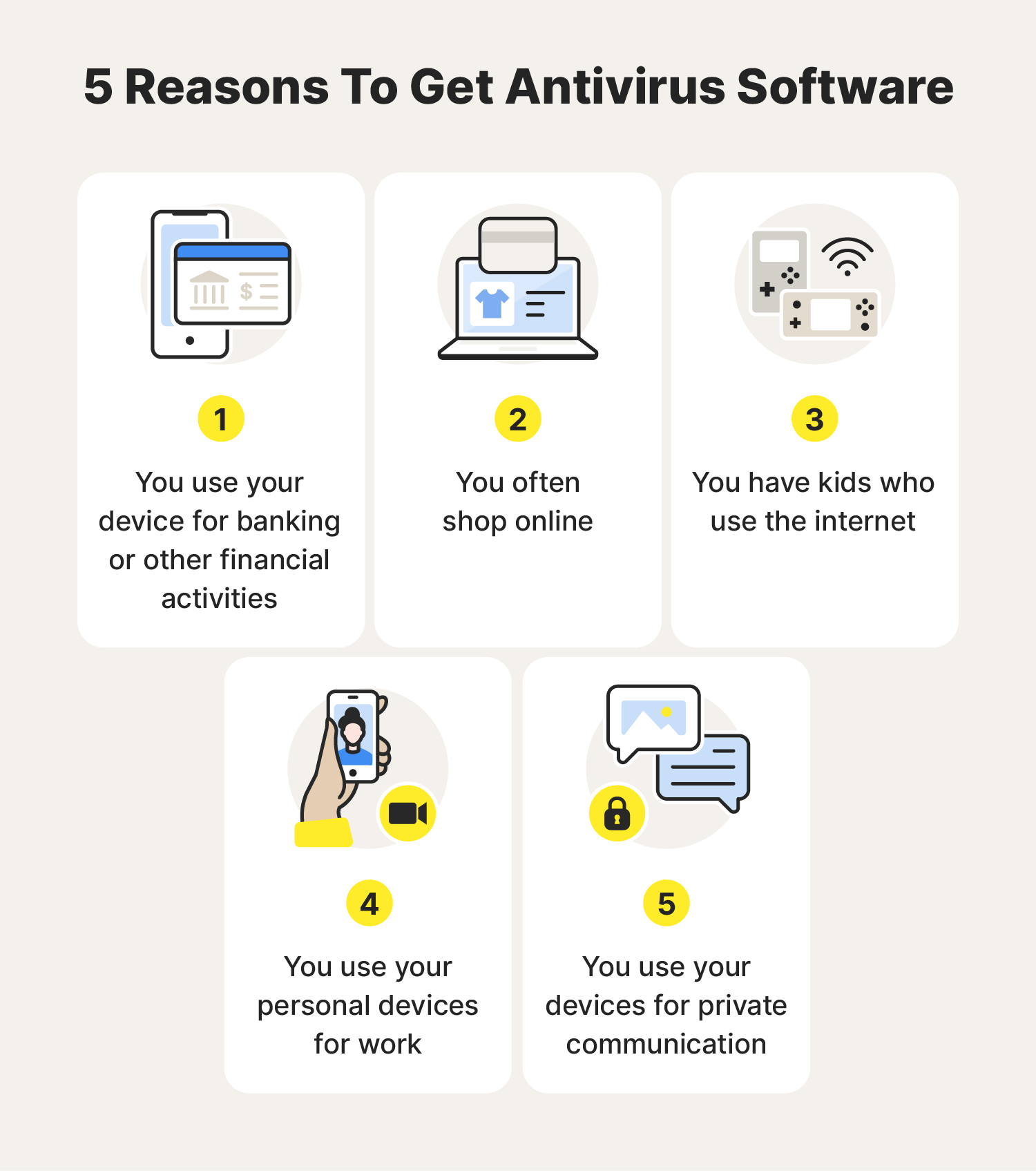
Before you buy, map features to your needs. This is the heart of how to choose antivirus software that fits you.
- Protection quality Look for strong real-world detection and low false alarms.
- Ransomware and phishing defense These threats target everyone. Keep them on.
- Web and banking protection Safe browsing and payment shields add value.
- Password manager and VPN Nice to have if you lack them.
- Parental controls For families who want screen time and content filters.
- Identity monitoring Alerts for leaked emails or passwords.
I treat extras like VPN and storage as a bonus. Do not trade core protection for fancy add-ons.

Performance and system impact
Powerful protection should not slow your device. I once helped a client whose laptop crawled after installing a bulky suite. We switched to a lighter tool with better cloud scanning. It felt like a new machine.
How to test this on your own:
- Run a full scan and watch CPU and RAM use.
- Open many tabs, then launch a game or a big app.
- Time startup before and after install.
If you work with video, code, or games, performance matters. Keep this in mind while learning how to choose antivirus software without regret.
Pricing, plans, and real value
Most brands offer tiers. Basic gives core protection. Mid-tier adds web shields and ransomware tools. Top tier adds VPN, identity monitoring, and extra support.
To decide how to choose antivirus software without overpaying:
- Count your devices Windows, macOS, Android, iOS.
- Check renewal prices Intro deals are often cheap; renewals can be steep.
- Look for bundles If you need VPN and password manager, bundles can save money.
- Evaluate refunds 30-day money-back policies are common.
A fair price covers all your devices, offers strong protection, and keeps renewals clear.

Privacy and data handling
Security without privacy is a bad trade. Some suites collect telemetry and browsing data to improve detection. That can be fine if it is clear and limited.
What to check when deciding how to choose antivirus software:
- Data collection policy What is collected and why.
- Location of company and data centers Local laws matter.
- Cloud lookups Can you opt out of sharing samples.
- Adware and extras Avoid tools that inject ads or toolbars.
I prefer vendors that explain data use in plain language and allow opt-outs.
Lab results and real-world protection
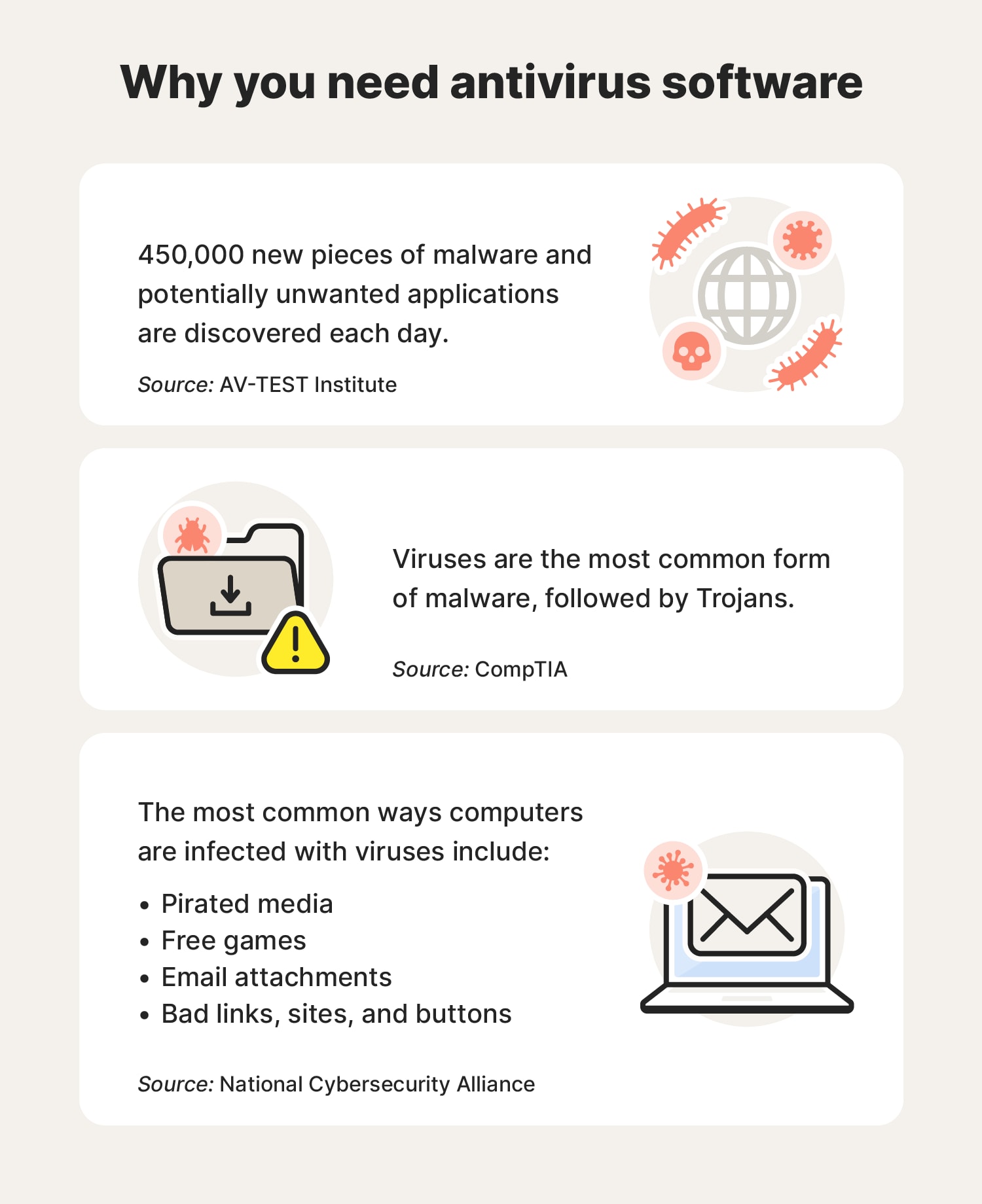
Independent labs run large tests that mimic real attacks. They measure detection, false positives, and speed. These results help cut through marketing.
How I use lab data:
- Look at 6–12 months of scores, not one test.
- Compare false positives Low false alarms matter for work.
- Review protection trends A steady record beats a sudden spike.
- Cross-check with hands-on use Labs plus real experience show the full picture.
This step is vital in how to choose antivirus software with real proof behind it.
Compatibility across devices and platforms
Different systems need different defenses. Windows faces the most threats. macOS needs web and ransomware defense. Android benefits from web filtering, SMS scam alerts, and app scanning. iOS is sandboxed, so focus on web protection, VPN, and identity monitoring.
Tips for mixed-device homes:
- Get one plan that covers all OS types.
- Ensure features match each device.
- Check family sharing and central dashboards.
This saves time and makes how to choose antivirus software for the whole household much easier.

Setup, configuration, and best practices
Good defaults matter. But a few tweaks help a lot. Here is my quick setup flow when I help clients learn how to choose antivirus software and set it up right.
- Turn on real-time and web protection Keep them always on.
- Enable ransomware shields Protect key folders and backups.
- Set scheduled scans Weekly quick scan; monthly full scan.
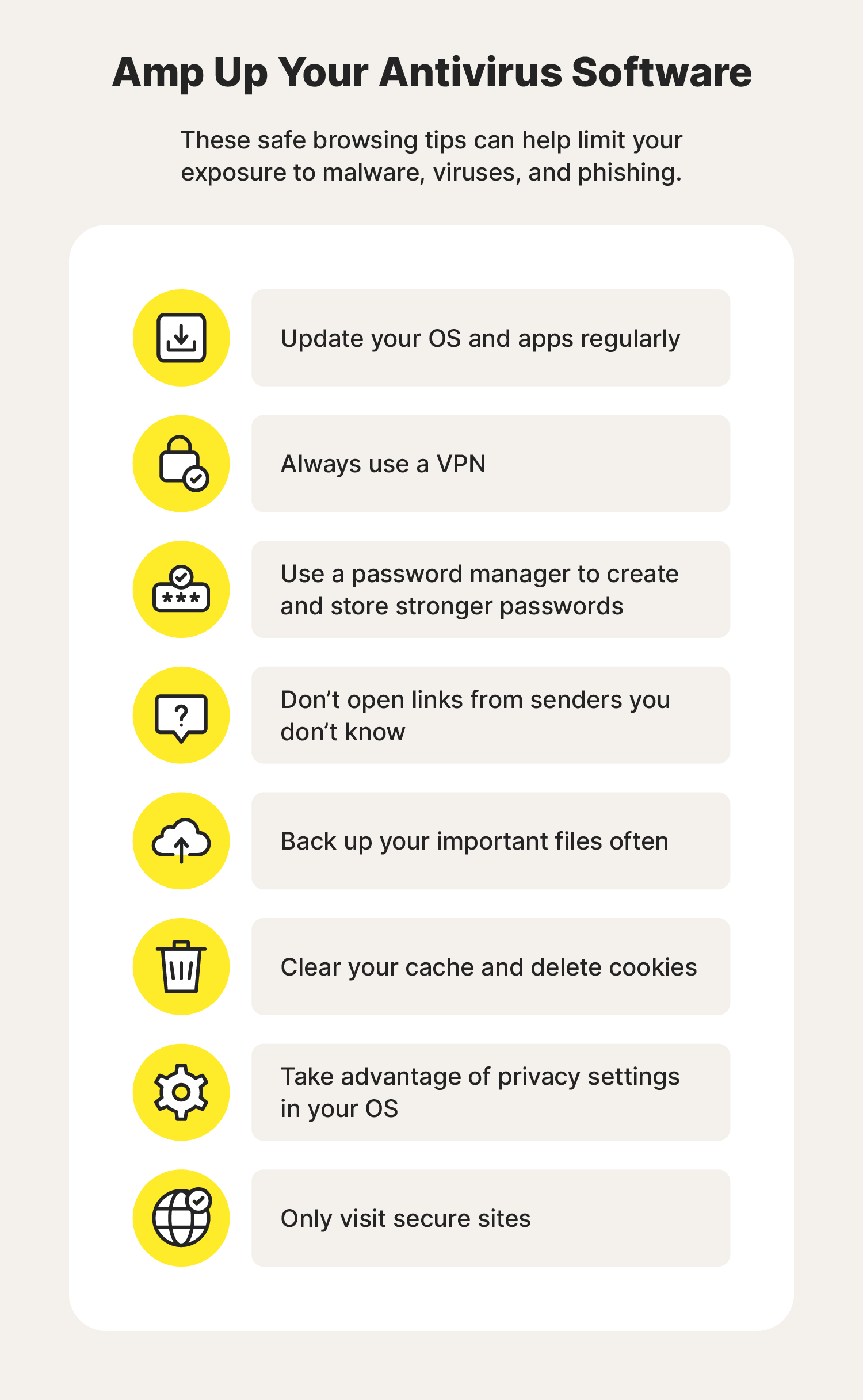
- Harden browsers Use the suite’s web plugin if offered.
- Add 2FA to your account Secure your antivirus account and dashboard.
- Create restore points and backups Ransomware defense is even stronger with backups.

Mistakes to avoid and red flags
I see the same slips often. Avoid them and you are already ahead.
- Installing two antivirus tools at once They can conflict and slow your PC.
- Ignoring renewals Surprise price hikes hurt. Set reminders.
- Clicking unknown notifications Rogue pop-ups can pose as antivirus alerts.
- Trusting “free cleanup” pop-ups Many are scareware.
- Using cracked software It often carries malware.
Spot red flags when learning how to choose antivirus software:
- Vague privacy policy
- No independent test results
- Aggressive ads or toolbars
- Outdated interface and rare updates
Use cases and quick recommendations
Everyone uses devices in a different way. Tie the choice to your risk and budget. This context makes how to choose antivirus software simple.
For students on a budget
- Choose a light, affordable plan with strong web blocking.
- Skip extras; keep costs down and speed high.
For families
- Look for parental controls, web filters, and a central dashboard.
- Cover phones and laptops under one plan.
For freelancers and creators
- Pick low system impact and ransomware rollback.
- Add a good VPN if you work on public Wi‑Fi.
For small teams
- Use plans with cloud consoles to manage devices.
- Consider EDR-like features if you handle client data.
For privacy-focused users
- Read data policies closely.
- Prefer vendors with clear opt-outs and minimal tracking.
How to evaluate trials and refunds
Most vendors offer trials. Use them. A week of real use beats a page of specs. Trials help you practice how to choose antivirus software with no risk.
What to do during a trial:
- Test speed with your daily apps.
- Browse and download as usual.
- Trigger safe test pages to check web blocking.
- Contact support once to judge response time.
If it falls short, use the refund window and move on.
Frequently Asked Questions of how to choose antivirus software
What is the most important factor when choosing antivirus?
Look for proven protection in real-world tests. Good detection with low false positives will save time and stress.
Do I need antivirus on a Mac or iPhone?
Macs still face malware and phishing, so antivirus helps. iPhones benefit from web protection, VPN, and identity monitoring.
Can free antivirus be enough?
Free tools can work if you have safe habits. Paid plans add better web shields, support, and extra features like ransomware rollback.
Will antivirus slow down my PC?
Good tools are light and fast. Test with a trial to see real impact on your apps and games.
Should I use two antivirus programs at the same time?
No. They can conflict and reduce protection. Use one full suite and add a second-opinion on-demand scanner if needed.
How often should I run scans?
Keep real-time protection on and run weekly quick scans. Do a full scan monthly or after big installs.
What about VPNs that come with antivirus?
They can be handy, but check limits and privacy. If you need a strong VPN, you may want a standalone option.
Conclusion
Choosing antivirus is easier when you focus on protection, performance, privacy, and price. Map features to your needs, check lab data, and test with a trial. Use what you learned here to make a clear, confident pick.
Take the next step today. Try one or two top candidates, run your week as usual, and see which fits best. Want more guides like this? Subscribe for updates or share your questions in the comments so I can help you choose with even more precision.



