

Update devices, use strong passwords, and back up your data often.
Want a simple plan for how to prevent malware attack that anyone can use? You are in the right place. I have helped homes and small teams block real threats with clear steps, not jargon. In this guide, I share what works, why it works, and how to prevent malware attack without stress or guesswork. Read on for a friendly, expert walk-through you can use today.
What is malware and why it works
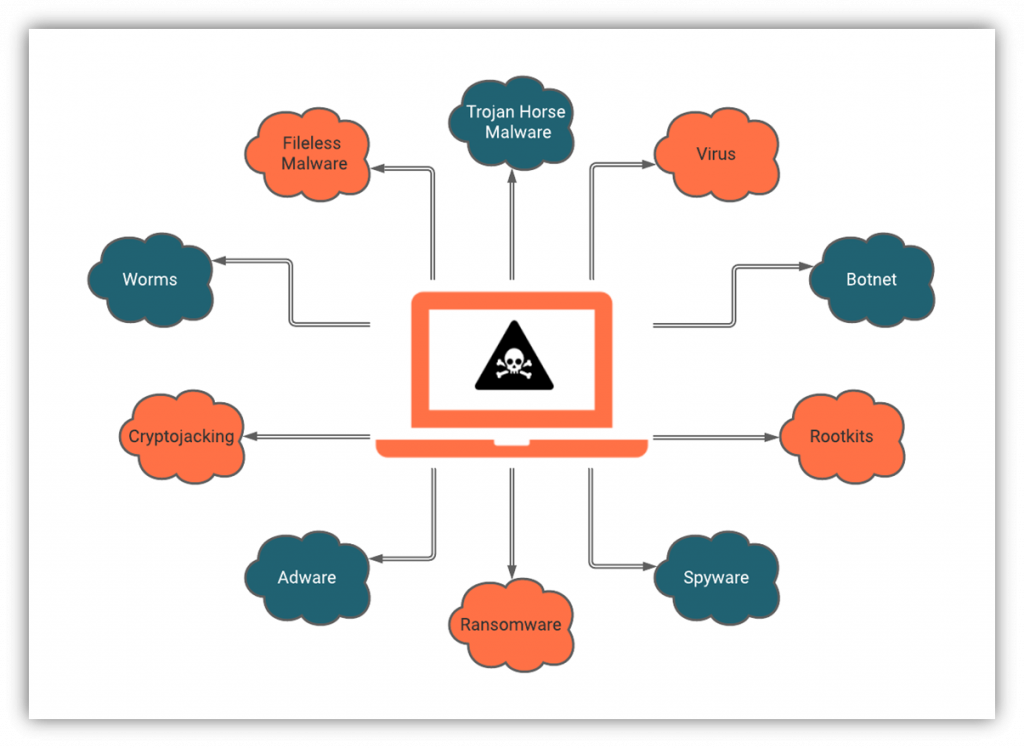
Malware is bad software that sneaks in, runs, and harms. It can lock files, steal data, spy on you, or slow your device. Common types include viruses, worms, trojans, spyware, adware, and ransomware.
Most attacks start with people. A fake email, a tricky link, or a free download is enough. Drive-by downloads, malicious ads, and unsafe USB sticks are also common. Some attacks hit remote desktops or weak passwords.
To learn how to prevent malware attack, you must know how it spreads. Reports show phishing leads most breaches, while unpatched software is a close second. Layered defenses reduce risk, even when one control fails.

Core principles to prevent malware
If you want to know how to prevent malware attack, think in layers. No single tool saves you every time. These core ideas stack well and are easy to follow.
- Reduce attack surface. Patch fast, remove unused apps, and block risky macros.
- Limit damage. Use least privilege, separate admin accounts, and segment networks.
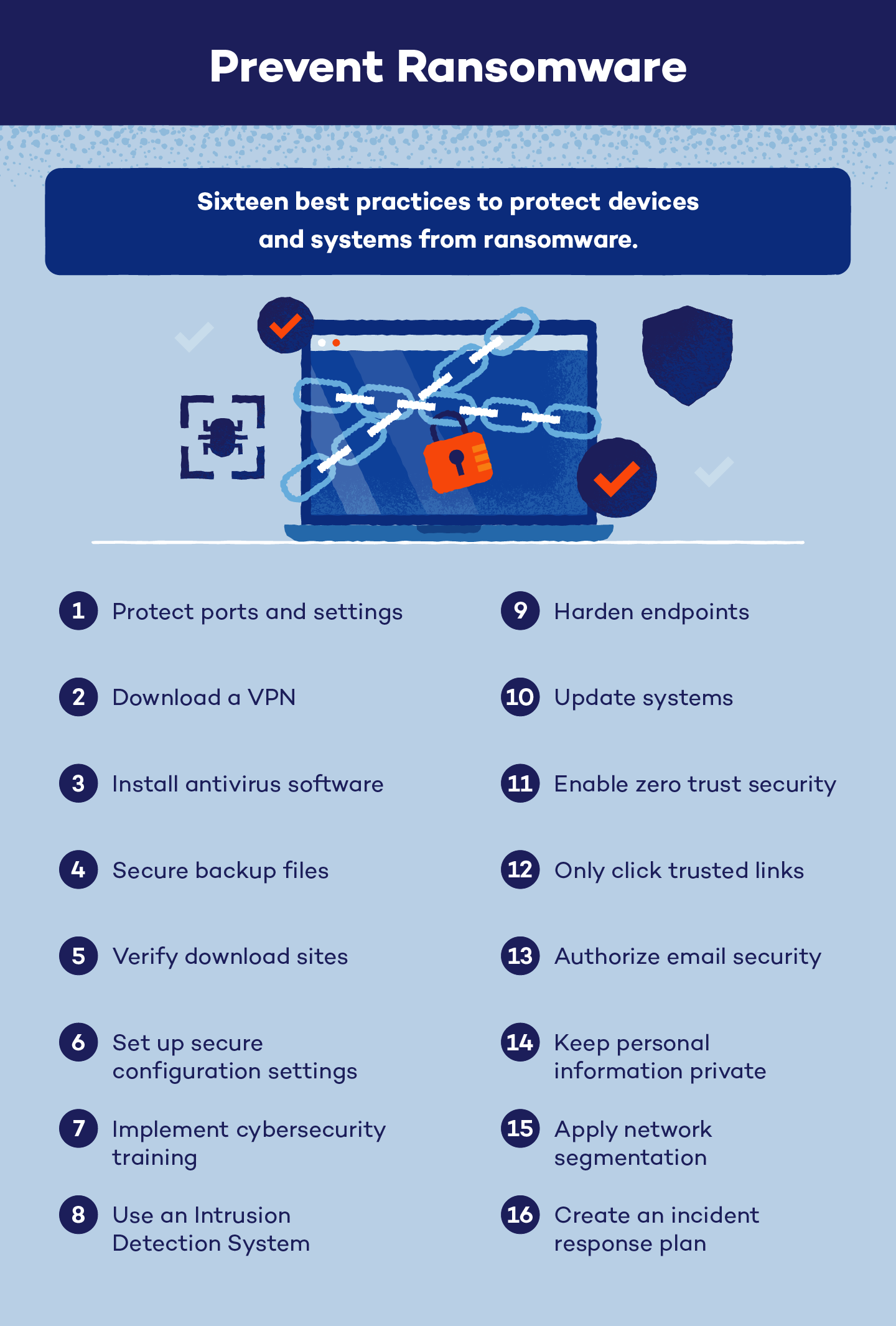
- Detect and respond. Turn on alerts, keep logs, and act on unusual signs.
- Prepare to recover. Keep versioned, offline backups and test restores.
- Train people. Teach how to spot tricks. Run short, regular refreshers.
None of this is a silver bullet. Zero-day exploits exist. But layered controls make you a hard target and cut impact if something slips in.

Step-by-step: how to prevent malware attack on your personal devices
Here is how to prevent malware attack on your laptop and phone. Keep it simple. Do the basics well and often.
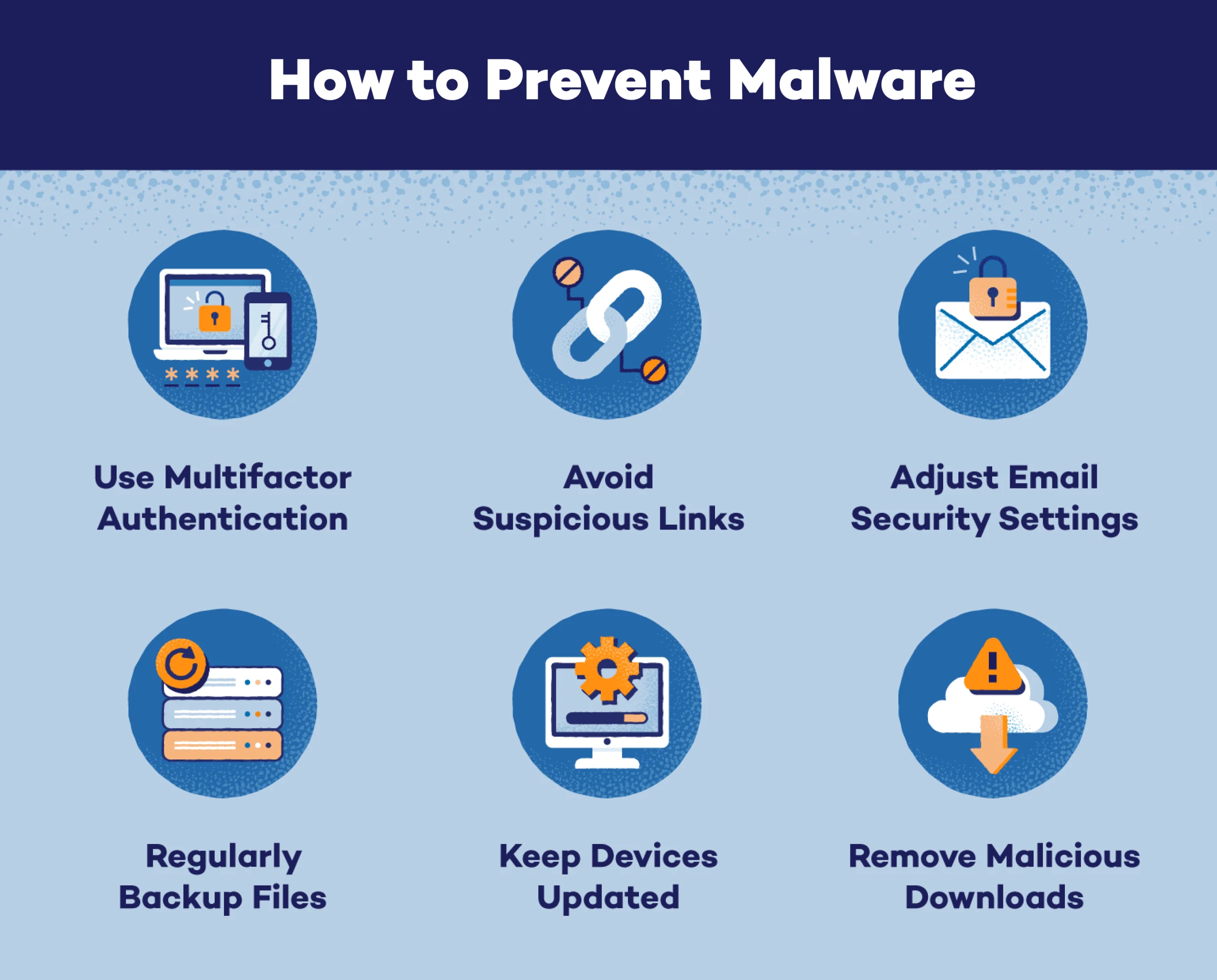
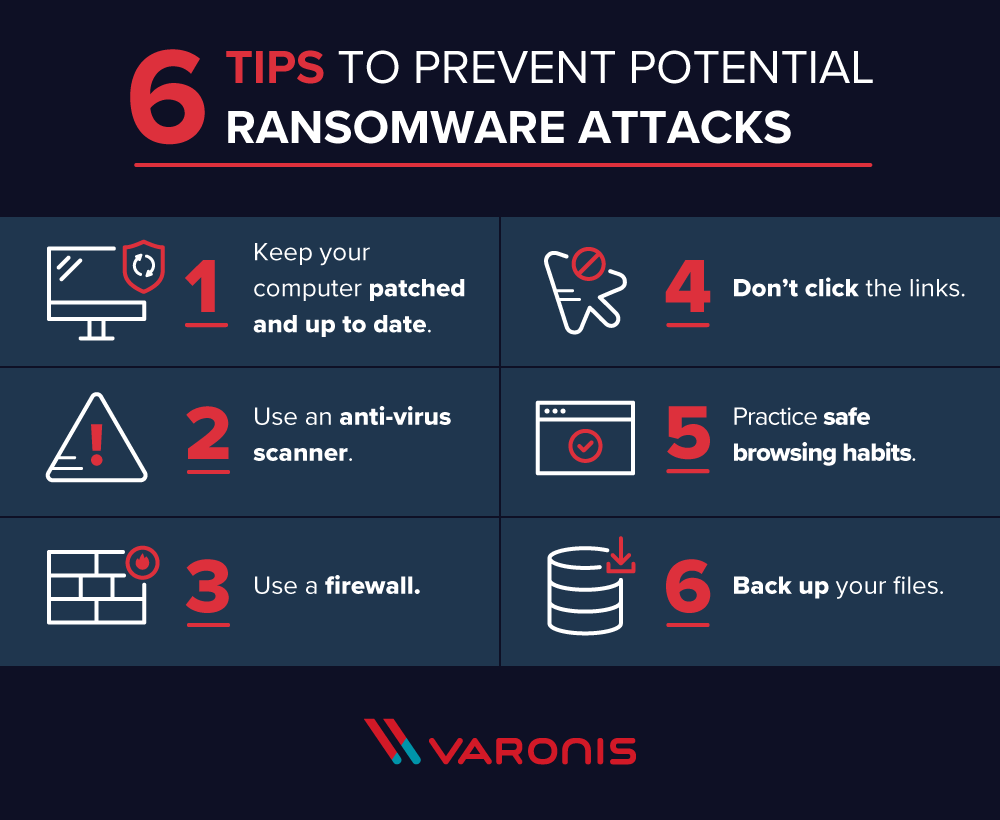
- Turn on automatic updates for your OS, browser, and apps.
- Use a reputable antivirus or endpoint protection. Keep it up to date.
- Use a password manager and unique passwords for each account.
- Turn on multi-factor authentication for email, bank, and cloud accounts.
- Use secure DNS with malware blocking to stop bad sites at the source.
- Download apps only from official stores or the vendor site.
- Disable Office macros by default. Open unknown files in a viewer first.
- Remove admin rights from your daily account.
- Back up using the 3-2-1 rule. Keep one copy offline or immutable.
- Be cautious with USB drives. Scan them before use.
- Use a VPN on public Wi‑Fi. Treat coffee shop Wi‑Fi as hostile.
- Lock your screen and enable full-disk encryption.
This list may look long, but you can set most of it once. It is the best base for how to prevent malware attack at home.

Secure habits for browsing, email, and downloads
Good habits beat many attacks. Malware needs a way in. Do not open the door.
- Check the sender and the link before you click. Hover to preview.
- Do not open unknown attachments. Use cloud preview when you can.
- Avoid “free” cracked software. It is a top malware source.
- Keep your browser lean. Fewer extensions mean fewer holes.
- Use an ad blocker and anti-tracking. Malvertising is real.
- Type site names by hand for banks and stores. Avoid search ads.
- Use one browser for banking and another for casual browsing.
Use these habits daily. They are the heart of how to prevent malware attack in real life.
Network security at home and small offices
Your router is the front door. Lock it. A few changes can block many threats.
- Update router firmware. Many botnets target old routers.
- Change the default admin username and password.
- Use WPA3 or strong WPA2 for Wi‑Fi. Disable WPS.
- Create a guest network for visitors and IoT devices.
- Disable UPnP if you do not need it.
- Use DNS filtering on the router to block known bad domains.
- Segment high-value systems, like work PCs and NAS devices.
These steps add strong layers. They are key when planning how to prevent malware attack across your home network.

Backups and ransomware resilience
Backups turn a crisis into a fix. Ransomware loses power if you can restore fast.
- Follow 3-2-1 backups. Three copies, two media types, one offline.
- Use versioned backups. Keep multiple restore points.
- Use an offline or immutable backup to protect against wipe attacks.
- Test restores each month. A backup you cannot restore is a risk.
- Keep a printed cheat sheet for your restore steps.
If you get hit, isolate the device at once. Do not pay unless lives or safety are at risk. Report the crime. Restore to a clean state and rotate all passwords. These steps are central to how to prevent malware attack from causing lasting harm.
Monitoring and a quick response plan
Fast action cuts damage. You do not need a big team to respond well.
Watch for warning signs:
- Sudden slowdowns or crashes.
- Unknown apps or processes.
- Browser pop-ups or redirects.
- Files renamed or locked.
Act fast:
- Disconnect from the network. Turn off Wi‑Fi and unplug Ethernet.
- Note what you saw. Take photos of screens if needed.
- Run a full scan with your security tool.
- Change key passwords from a separate, clean device.
- Restore from a known good backup if needed.
- Reimage the device if malware persists.
Write this plan down. Practice it once. A short plan supports how to prevent malware attack from spreading.
Lessons from the field: what actually stops malware
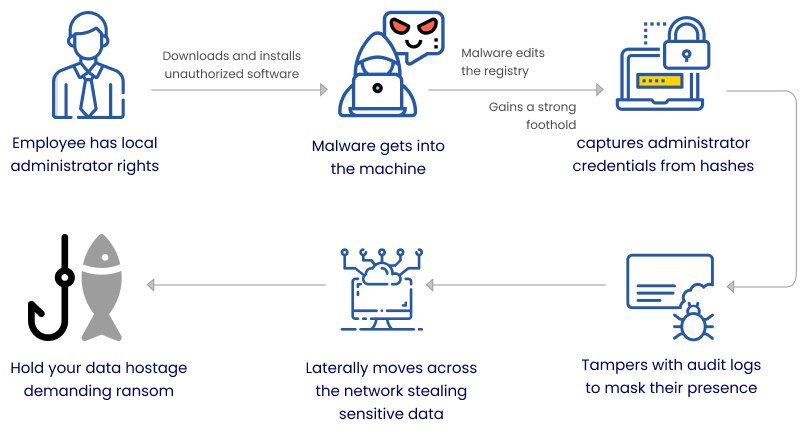
I once saw a fake invoice land in an inbox. The subject line looked urgent. The DNS filter blocked the link, and the user reported it. That one control saved hours of cleanup.
In another case, a small shop ran daily tasks as admin. One click and ransomware spread fast. We fixed it with least privilege, better backups, and email scanning. The owner said the change felt small, but the impact was huge.
Here is what I have learned about how to prevent malware attack:
- Do basics first. Patching and backups beat fancy tools.
- Train people with short, real examples. Skip long lectures.
- Test restores. Nothing beats a working backup.
- Use defense in depth. Expect one control to fail.
- Keep it simple. Simple wins are used. Complex plans are not.
Tools and checklists
You do not need a stack of tools. Choose a few that you will keep up.
Useful tools and services:
- Antivirus or endpoint protection with real-time blocking.
- Password manager with breach alerts.
- Secure DNS filtering for all devices.
- Patch management or auto updates on all platforms.
- Backup software with versioning and offline copies.
- Email filtering for spam, phishing, and malware.
- A router with up-to-date firmware and strong Wi‑Fi options.
Quick checklist for how to prevent malware attack:
- Updates on and automatic.
- Strong, unique passwords with MFA.
- DNS filtering enabled.
- Admin rights limited.
- Macros blocked by default.
- Safe browsing and email habits in place.
- 3-2-1 backups tested.
- Router locked down and Wi‑Fi strong.
- Response plan written and practiced.
Each item here boosts your odds. Use the list to review how to prevent malware attack each quarter.
Frequently Asked Questions of how to prevent malware attack
What is the best antivirus for everyday users?
Pick a well-known option with strong real-time protection and low impact. Keep it updated and run regular scans.
Do I still need antivirus on a Mac or Linux?
Yes. Mac and Linux are safer by design, but not immune. Basic controls like updates and detection still matter.
Is public Wi‑Fi safe if I use HTTPS?
It is safer, not safe. Use a VPN, avoid sensitive work, and do not trust captive portal links.
How often should I update software and firmware?
Turn on automatic updates so you do not have to think about it. Check routers and IoT gear monthly.
What should I do if I clicked a bad link?
Disconnect from the network and run a full scan. Change key passwords from a clean device and watch for unusual activity.
Are browser extensions risky?
They can be. Use as few as possible, install only trusted ones, and review permissions.
Will a VPN prevent malware?
No. A VPN hides traffic on untrusted networks. You still need updates, filters, and safe habits.
Conclusion
Malware thrives on gaps. Close the big ones with updates, smart passwords, safer clicks, and strong backups. Add layers for your network and your devices, and keep a short plan ready.
Start today. Pick three steps and set them up now, then finish the list this week. If you found this guide on how to prevent malware attack helpful, subscribe for more tips, share it with a friend, or leave a question in the comments.


